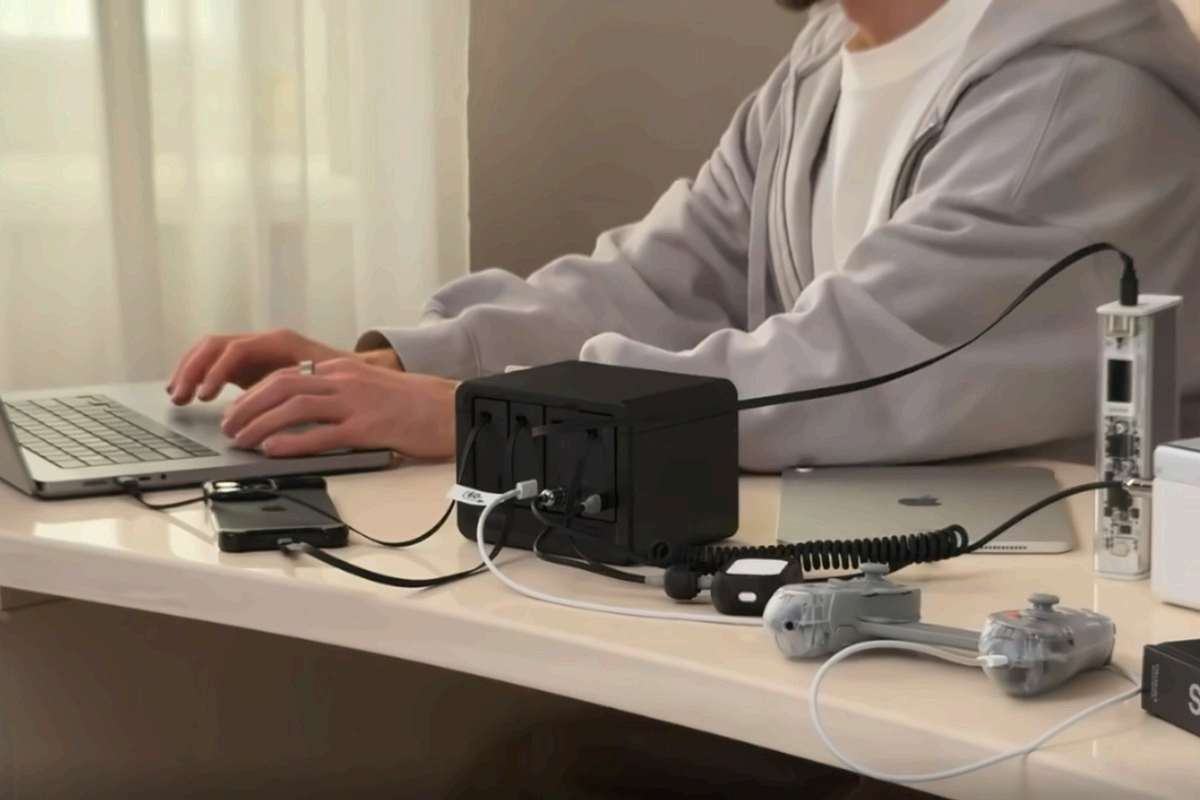




Your laptop charger is plugged into an outlet under the desk, your phone charger is behind the monitor, and the cable for your earbuds has slipped out of reach again. Nothing is especially complicated on its own. It’s having to deal with all of it in the same small space that gets tiresome. Before adding another charger, it helps to work out what’s actually getting in the way: too few outlets, too many charging bricks, or cables that never seem to be where you need them.
If that's your situation, this guide explains what a USB charging station is, what types exist, how one powers several devices at once, and how to tell whether it belongs on your desk.
Why Is Charging Multiple Devices Such a Hassle?
A separate charger for each device works well enough at first. The awkward part comes when several devices end up at the same desk. You add a power strip to make room for the chargers, but the charging bricks and cables still need somewhere to go.
A wireless stand can simplify charging for a compatible phone, watch, and earbuds. But if your everyday setup also includes a laptop or devices that still need a cable, it only takes care of part of the routine.
Here’s where these familiar options fit—and what they leave you to manage.
|
Charging Setup |
Main job |
When it fits |
What it doesn’t solve |
|
Individual chargers |
Charge devices separately |
One device, or devices in different rooms |
Several devices can mean several charging bricks |
|
Power strip |
Add more outlets |
You need room to plug in more chargers |
The separate chargers and cables remain |
|
Wireless multi-device charging stand |
Charge compatible devices on a stand |
A supported phone, watch, and earbuds combination |
Devices outside that combination still need another charging option |

If you’re mainly short of convenient USB connections, rather than AC outlets, that’s where a USB charging station comes in.
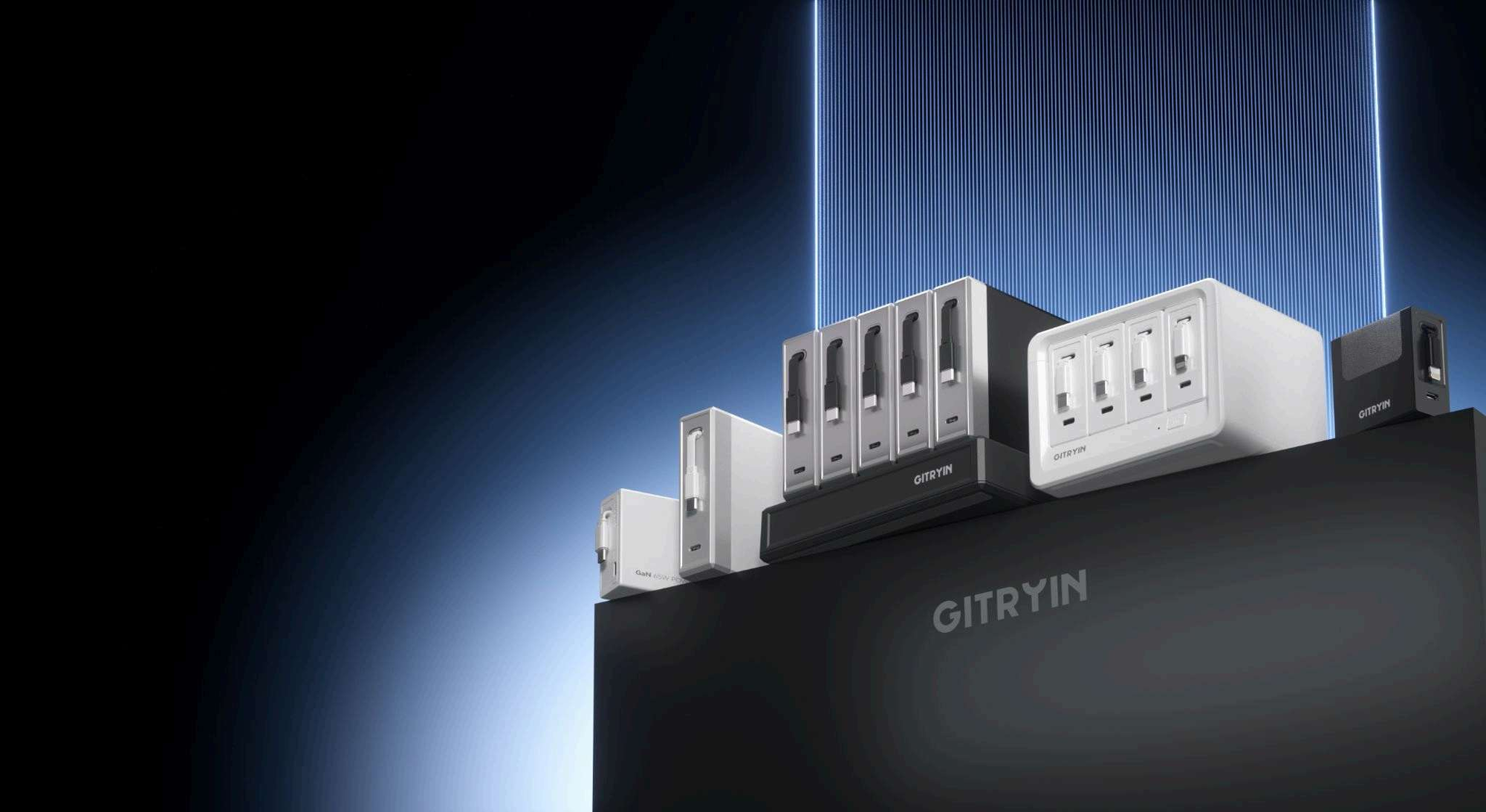
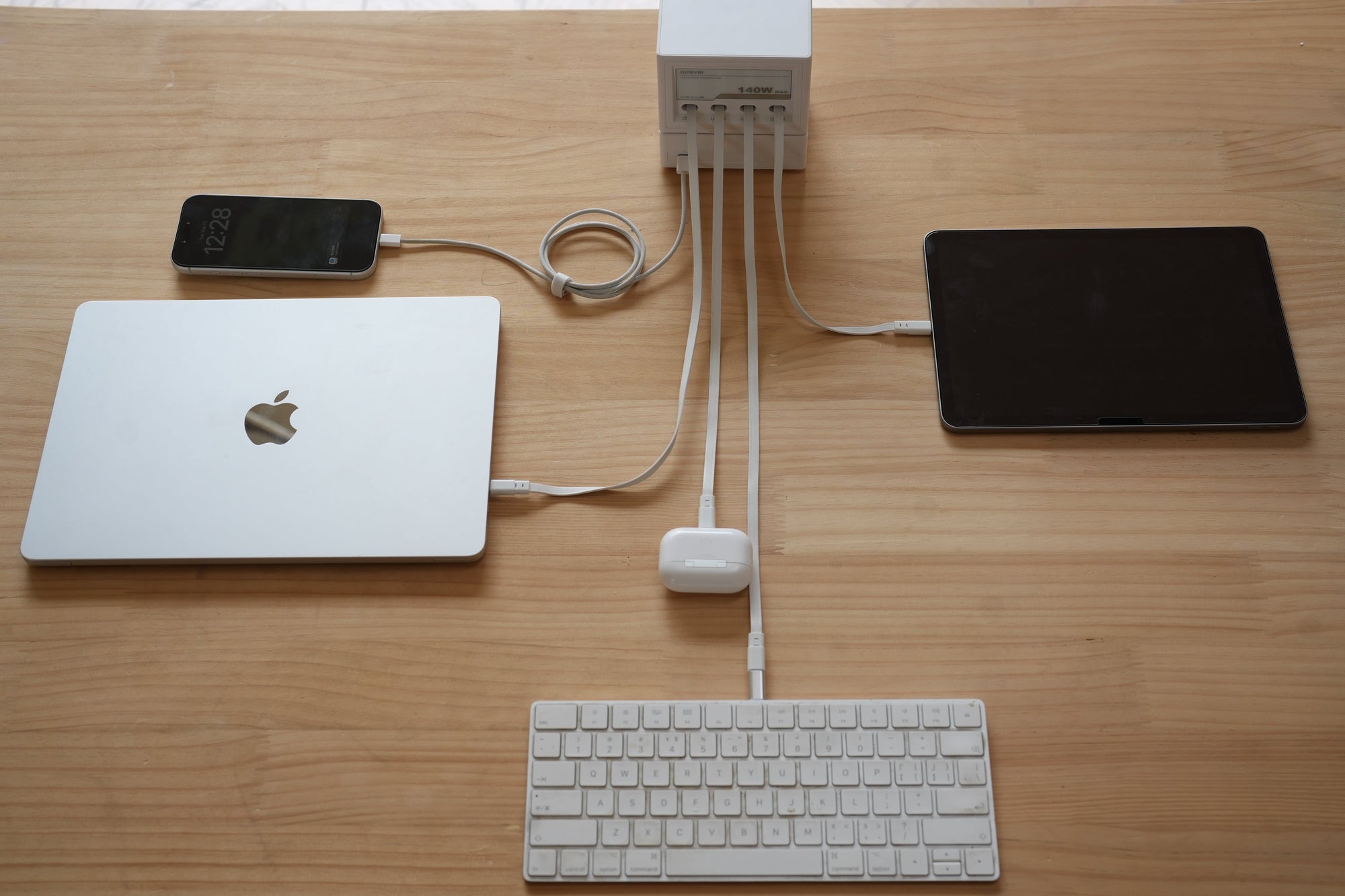
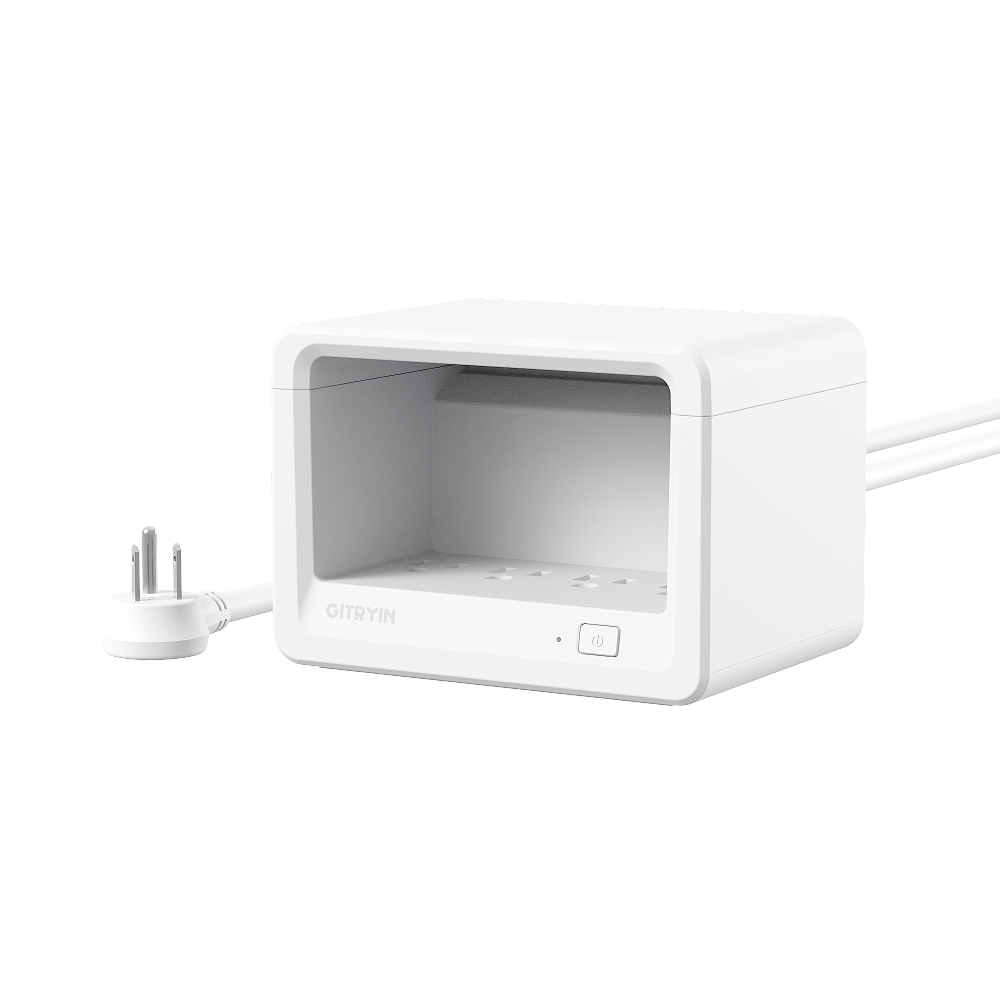
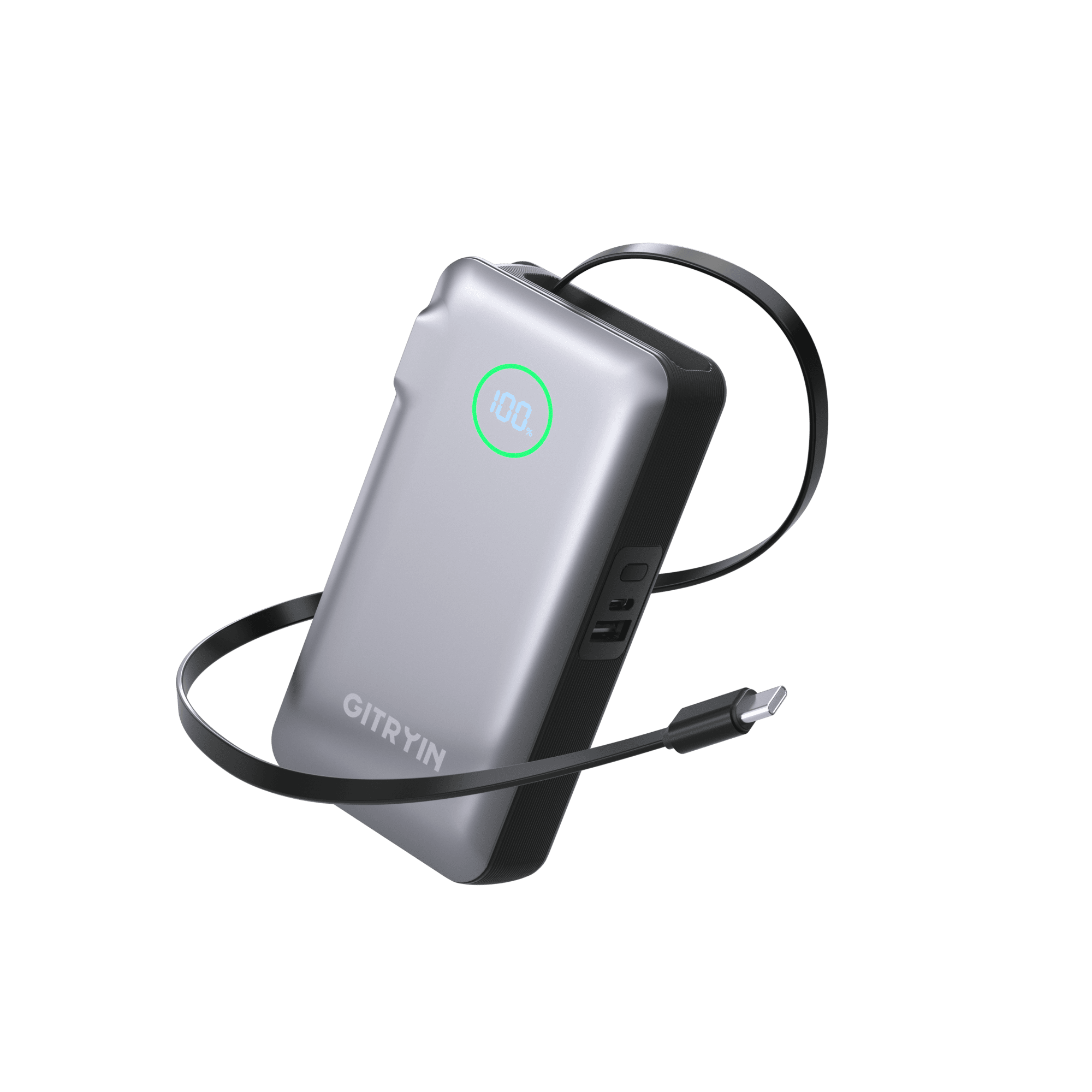
A USB charging station lets you charge several devices from one unit. Some models provide ports for your own cables, while others include built-in cables or slots to hold devices as they charge.
For a desk with several devices, its value is bringing the everyday charging routine together. Instead of spreading separate charging bricks across a power strip, you have one charging unit near the devices you use. It gives those connections a regular place, rather than leaving you to find a charger and cable each time. None of these is universally “best”— they solve different problems. The charging station's specific claim is: fewer chargers, fewer visible cables, one outlet.
Already looking for a desktop option? You can explore Gitryin’s desktop charging solutions to to compare the available options, or keep reading to find a style that suits your routine.
Which USB Charging Station Is Right for You?
Start with where your devices spend their time while charging. A phone you keep beside your keyboard needs a different setup from tablets that are put away overnight. And a charger that works well on a desk may not be the one you want to pack for a trip.
|
Station Type |
Key Features |
Best For |
Common Use |
|
Desktop charging station |
A charging unit connected to the outlet by a power cord |
Keeping charging connections near the devices you use |
Desks, home offices, nightstands |
|
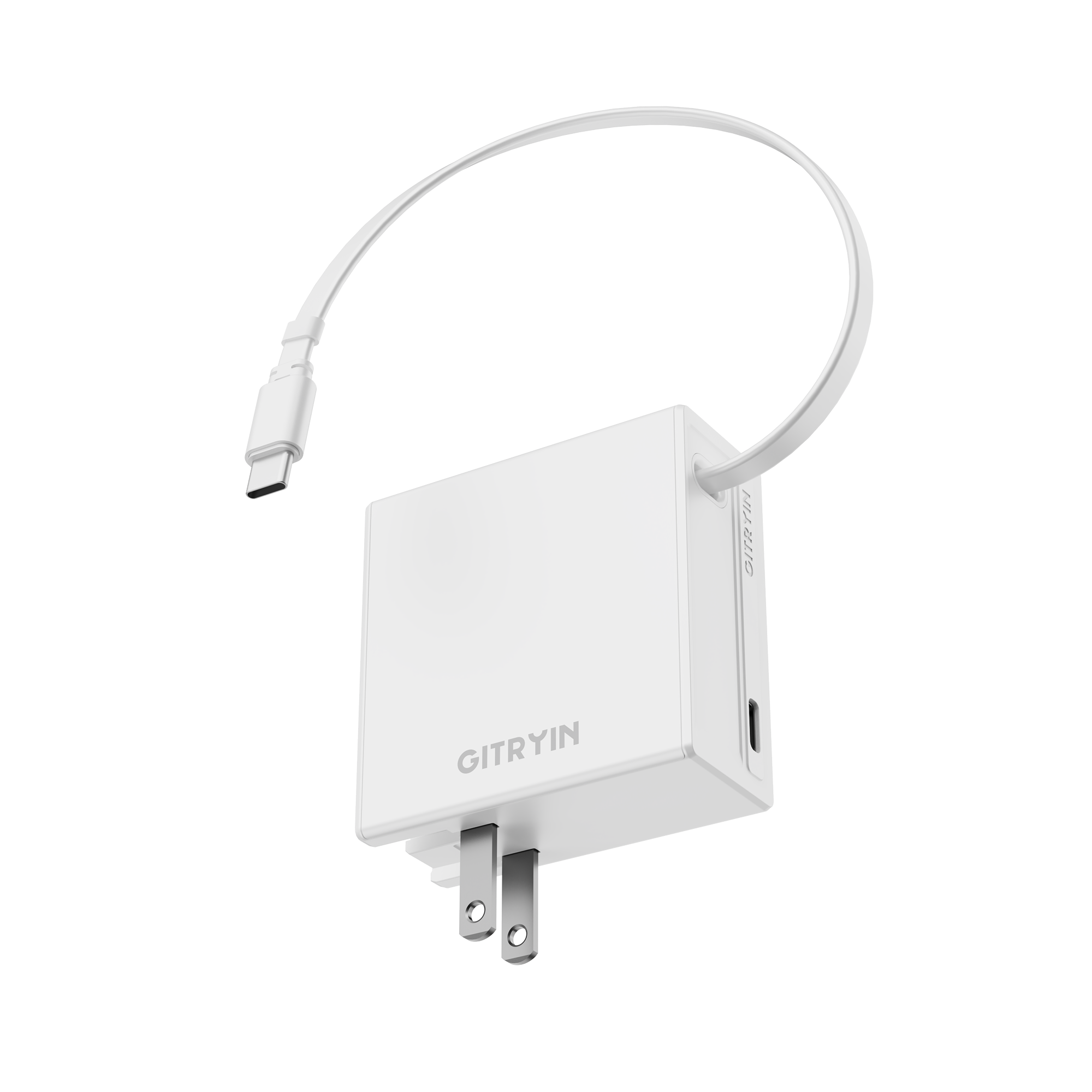
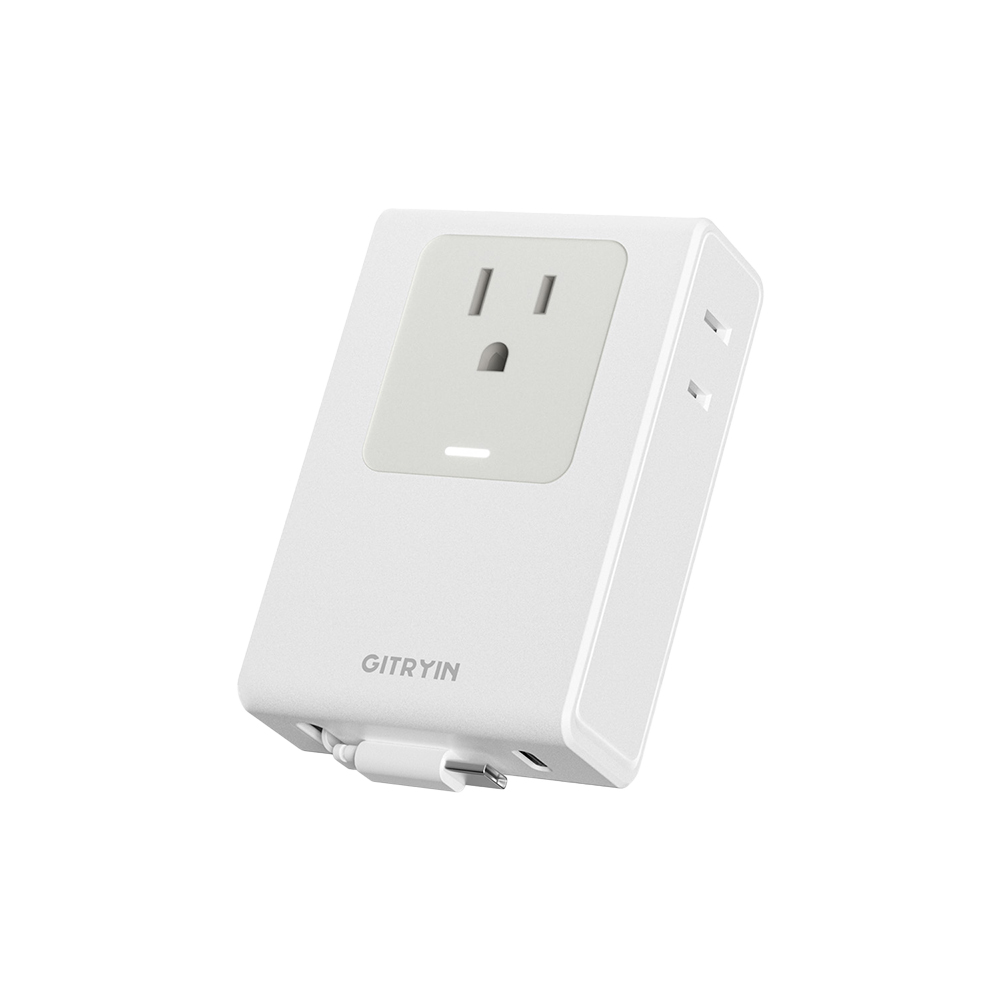
Wall-plug charger |
Plugs directly into a wall outlet |
A compact setup where the outlet is easy to reach |
Travel, hotels, charging near an accessible outlet |
|
charging station with device organizers |
Adds slots or stands to hold devices while charging |
Giving several devices a shared place to charge and stay |
Family charging areas, shared device storage |

Some designs combine these features. A desktop station can also have device slots or built-in cables. The useful question is which features suit your space and habits.
Is the Outlet Easy to Reach?
A wall-plug charger is straightforward when the outlet is easy to reach and close to your devices. The problem is the outlet you actually have to work with. If it’s under the desk or behind furniture, you still need cables that reach comfortably to the surface above.
Picture plugging in your phone while it sits beside your keyboard. If the cable only just reaches, you may have to move the phone whenever you use it. A longer cable solves the reach problem, but leaves more length to manage.
A desktop station lets the power cord cover the distance from the outlet, while the charging unit sits nearer your devices. Check where that unit would go and whether the device cables can reach the spots you normally use.
Do You Need a Place to Store Your Devices?
Slots and dividers make sense when devices are left in one place to charge, such as a shared shelf for household tablets and phones. They give each device somewhere to sit instead of leaving everything spread across the surface.
If you tend to use your devices while they charge, though, those slots may not add much to your routine. Paying a few dozen dollars extra for built-in storage may not be worth it if you rarely use it. If you simply need a place to keep your devices organized, a DIY divider or a separate organizer paired with a charging station may be a more economical option.
For an everyday desk setup, we wouldn’t make built-in device storage a priority unless you specifically want a place to leave phones and tablets while they charge. Otherwise, a straightforward multi-port charger may be all you need.
Why Choose a Desktop Charging Station with Built-In Cables?
Built-in cables are worth considering if you use the same charging connections every day. The cable is already there when you need it, rather than loose in a drawer or caught behind the desk. With a retractable design, you can pull out the length you need and put it away without coiling it by hand.
The benefit is less time spent managing the setup around charging:
• Less time looking for cables: the connections you use stay with the charger.
• Less effort tidying up: retractable cables reduce the need to gather and coil loose lengths.
• A smoother daily routine: plug in when you sit down, then put the cable away when you’re done.

The Gitryin Nexus brings that approach to the desktop with four built-in retractable USB-C cables and an additional USB-C port. For a desk where the same devices come and go throughout the day, it keeps everyday charging connections in one place and cuts down on the repeated finding, untangling, and putting away. Just check that the included connectors and cable lengths suit your devices and where you use them.
For help with the rest of the setup, our guide to organizing charging cables on your desk covers charger placement, cable routing, and keeping everyday connections within reach.
What Should You Know About Charging Power and Compatibility?
Once you have a shape and location in mind, it’s easier to think about the charging specifications. You don’t need to study every electrical detail before comparing stations, but three basics help explain what to look for.
Think About What You Charge Together
Count what you regularly plug in at the same time, not everything you own. If your earbuds charge overnight and your tablet only needs an occasional top-up, you may not need a connection permanently set aside for each one.
The mix of devices matters too. A laptop, phone, and earbuds place different demands on a charger. Having three connections tells you how many devices can plug in; it doesn’t tell you how much charging power is available to them.
Understand the Power Numbers
Charging power is measured in watts (W). Look at both the station’s total output and the output available through the individual ports or built-in cables.
A 100W total rating does not mean every connection supplies 100W. Connecting more devices may also change the power available to each one. The multi-device power distribution is what shows how the station handles those combinations, rather than just a single device on its own.
Understand What Compatibility Includes
USB-A and USB-C describe connector types. Charging standards such as USB Power Delivery (USB PD) allow compatible devices and chargers to agree on supported power levels. The connector shape alone does not tell you the charging speed.
The cable also needs the right connectors and support for the intended charging power. For a station with built-in cables, check those included connections as part of the charger’s specifications.
Our guide to charging power, power sharing, and compatibility in USB charging stations explains these concepts in more detail, including how to read the power specifications.
Do You Need a USB Charging Station?
Think back to the part of charging that bothers you most. If several devices live at the same desk and you keep dealing with crowded outlets or misplaced cables, a shared charging setup is worth considering.
If your existing chargers are easy to use, there’s no need to replace them just because you own several devices. Charging one or two at a time, or keeping chargers in different rooms, may already suit your routine.
If you’ve decided a station would help, our guide to choosing a charging station for multiple devices walks through the next step: matching your device list to the connections, power output, and multi-device specifications of the models you’re considering.