


Start the year with a cleaner, smarter desk
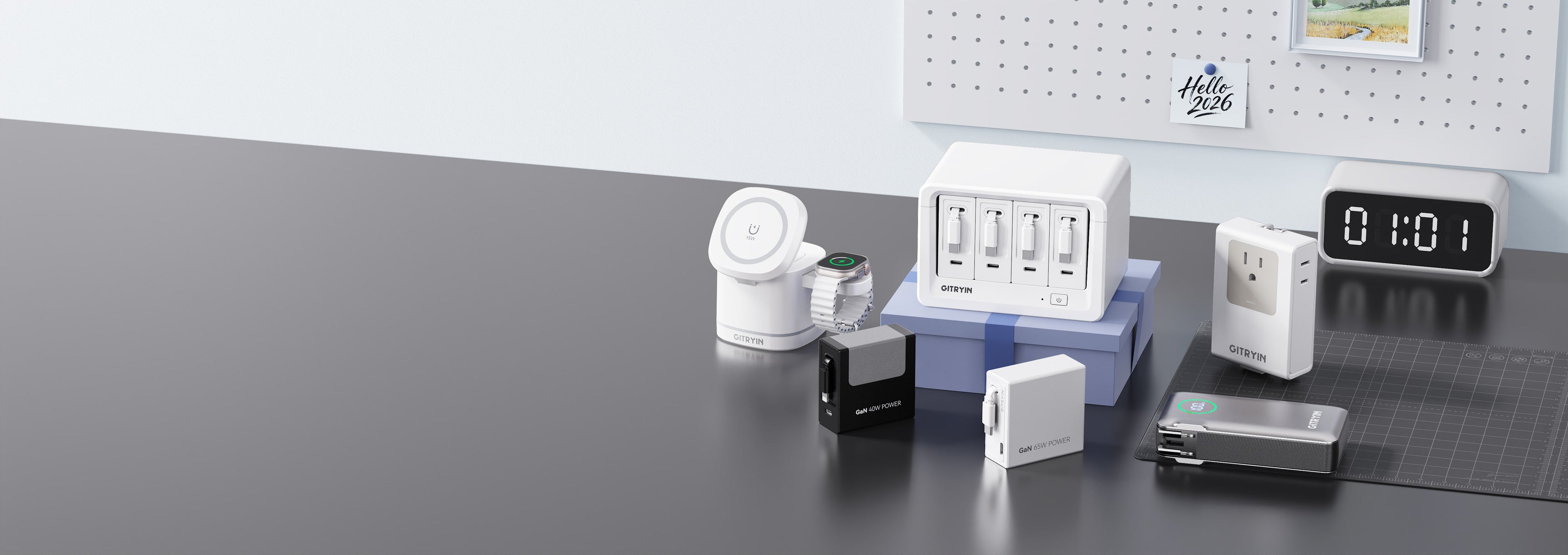
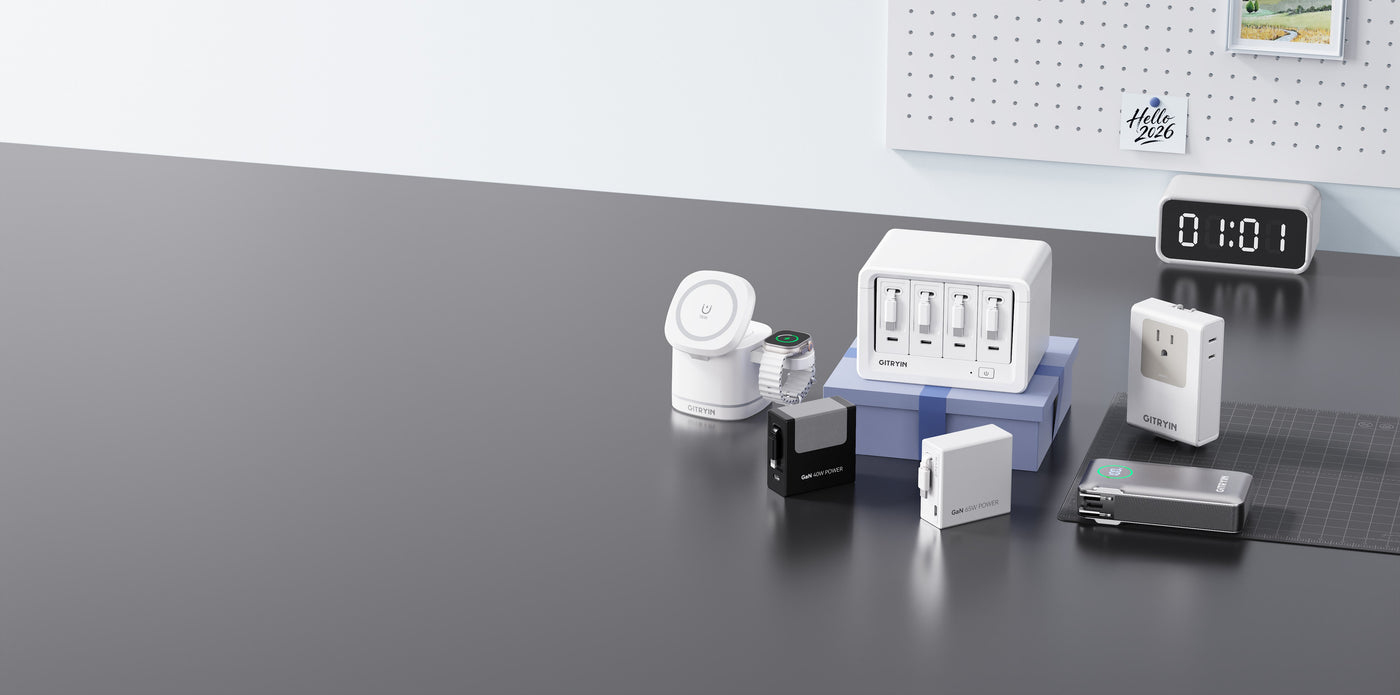
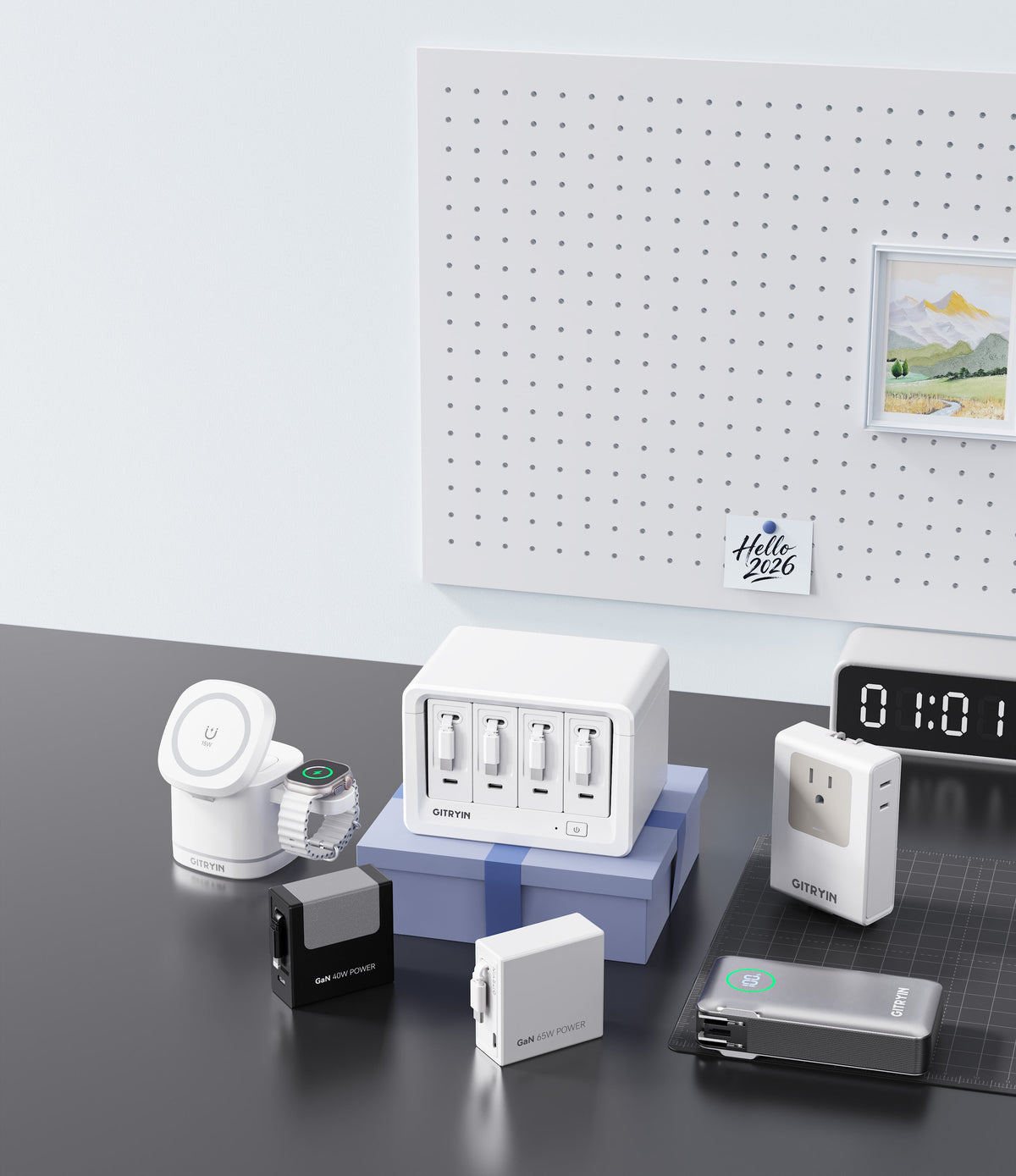
Desk Refresh Essentials
00
Days
:
00
Hours
:
00
Mins
:
00
Secs


Sale price$129.99
Regular price$172.99
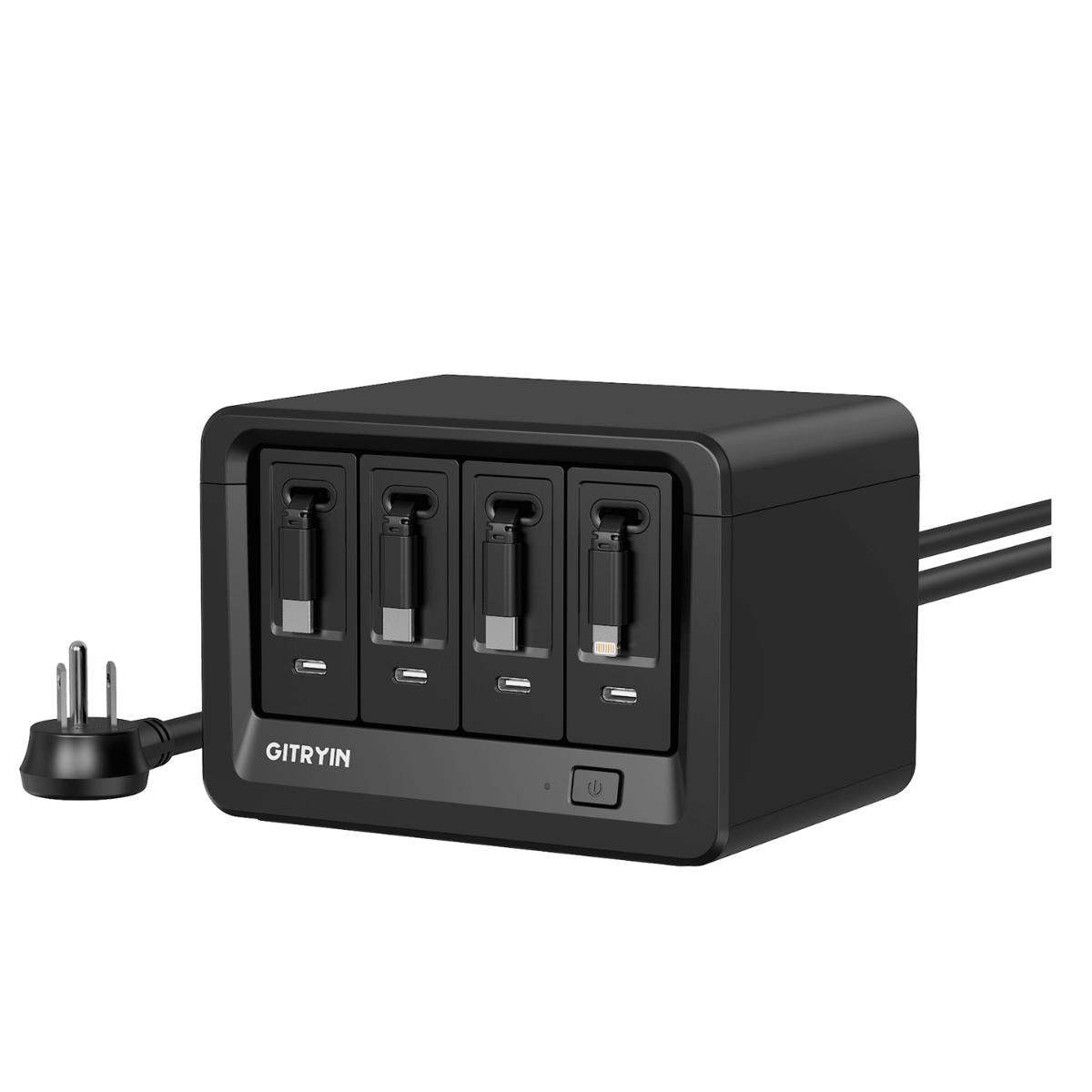
Sale price$129.99
Regular price$172.99
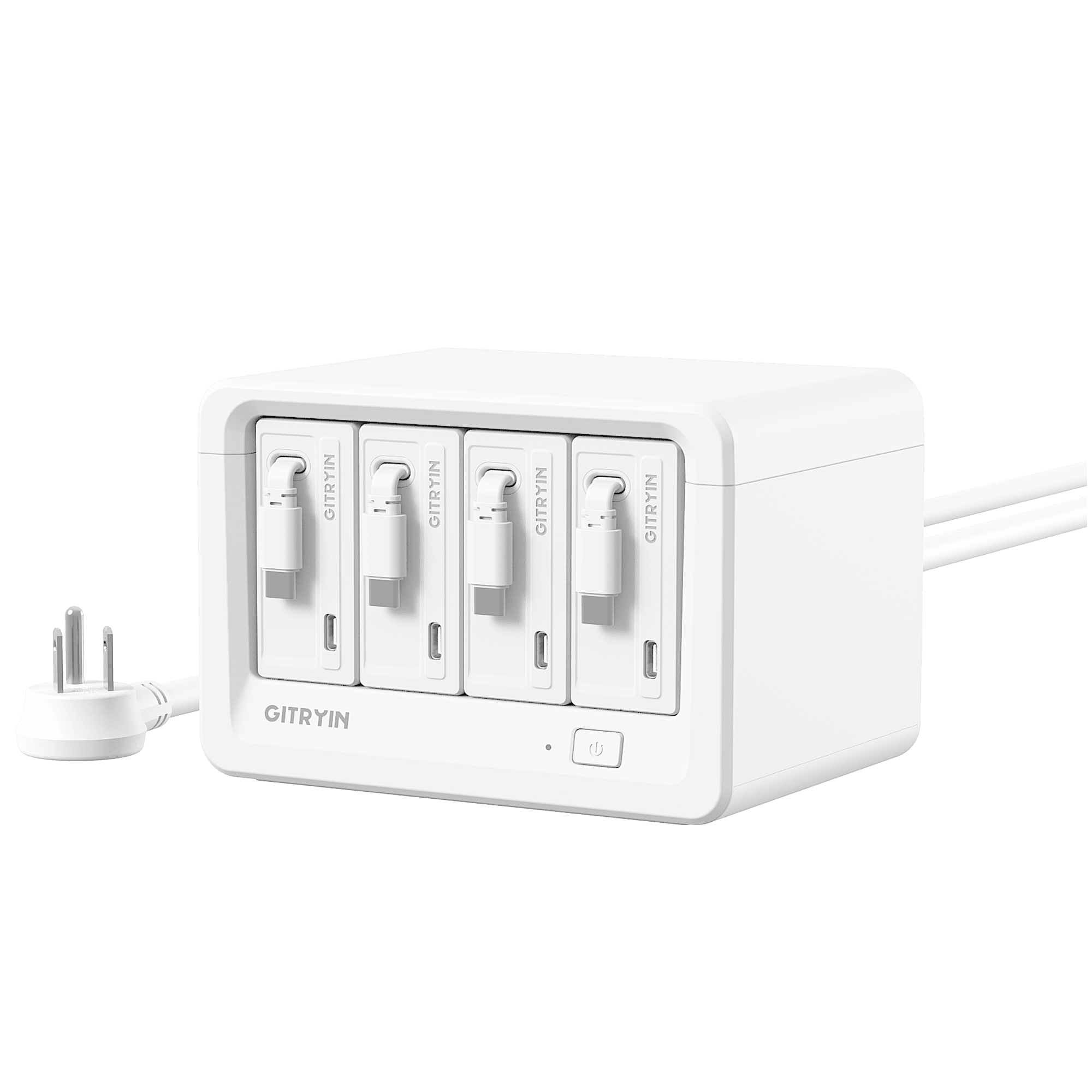
Sale price$169.99
Regular price$212.99

Sale price$159.99
Regular price$199.99
Refresh On the Go
Stay powered and organized, wherever you go.

New
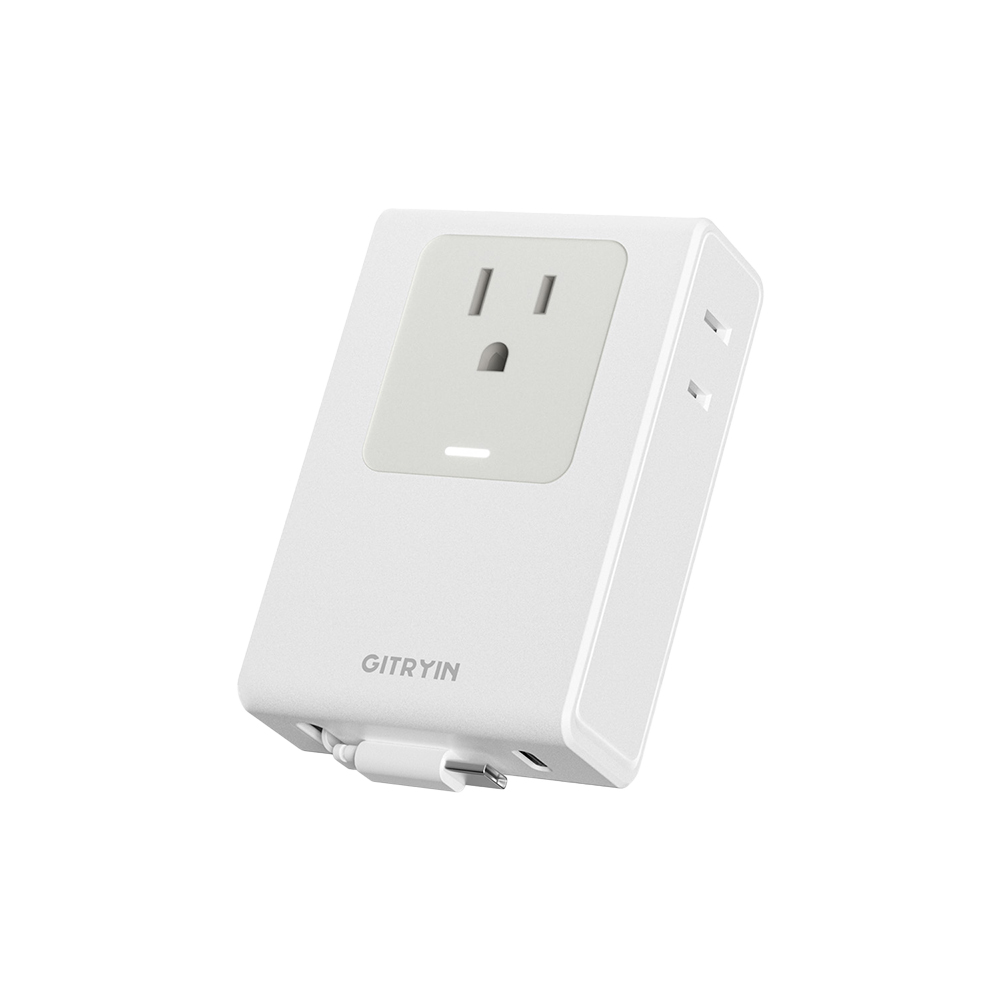
Easy Charge For Phone/Watch/Earbuds
Sale price$39.99
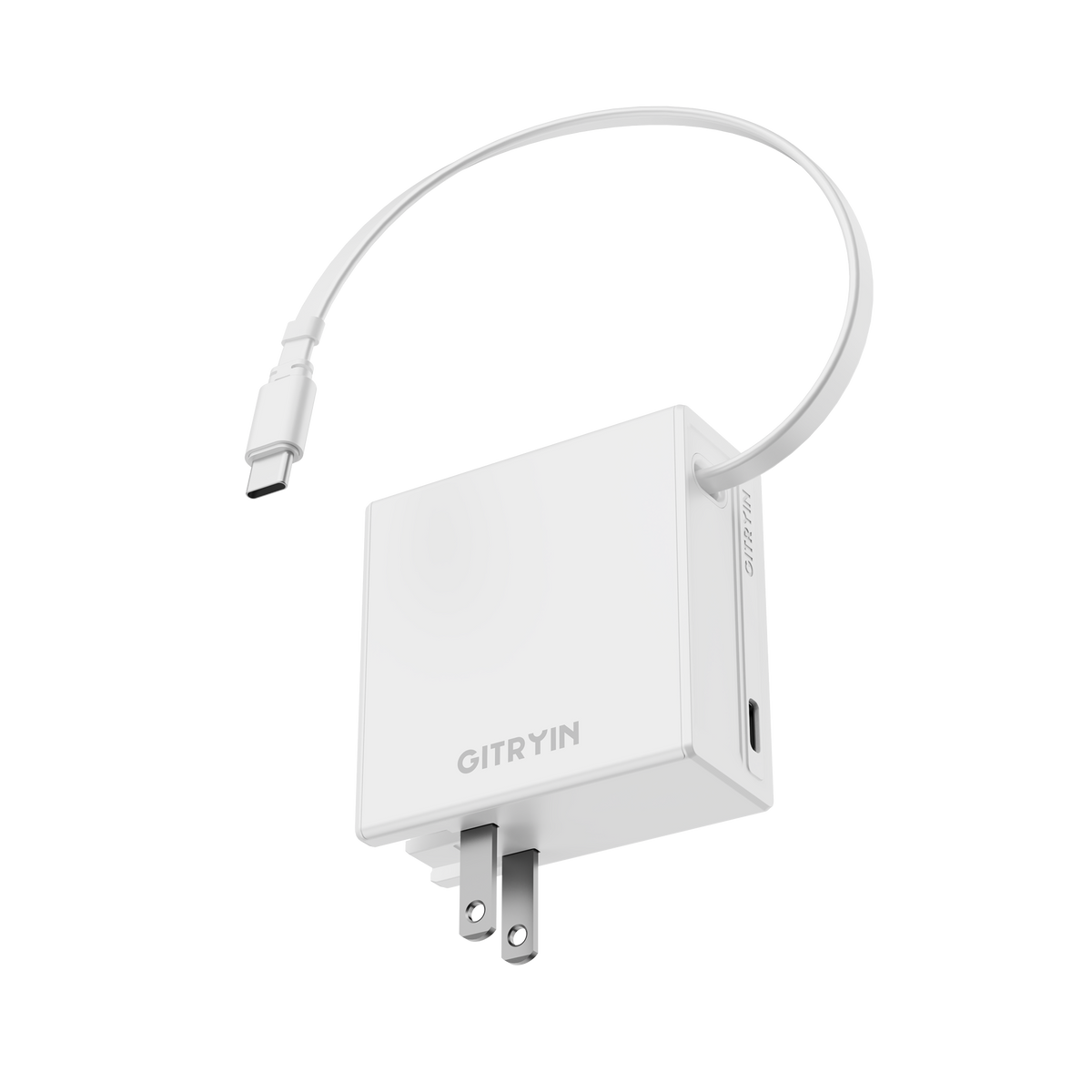
Sale price$39.99

Sale price$42.99
Sale price$34.99
Designed for the Way You Live
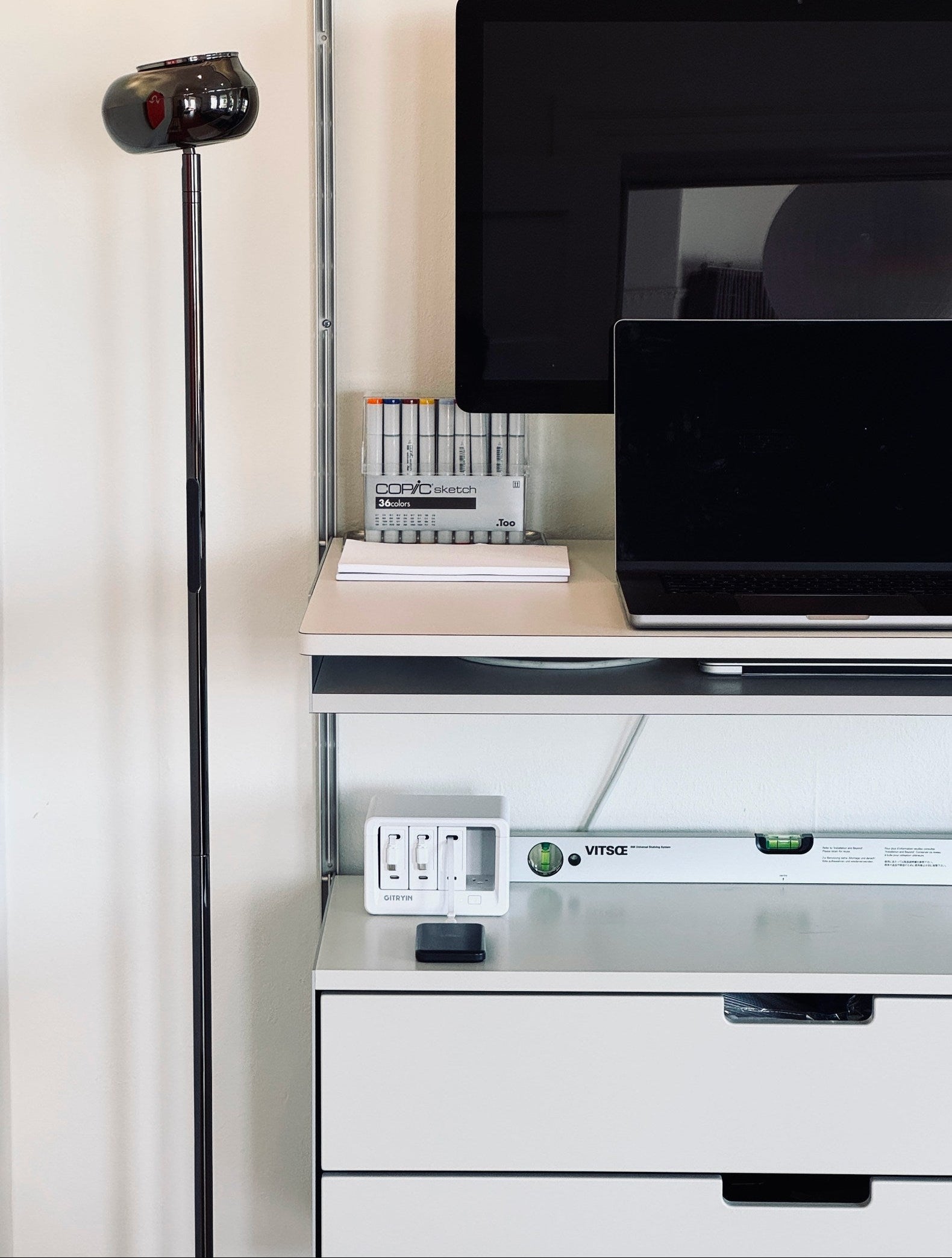
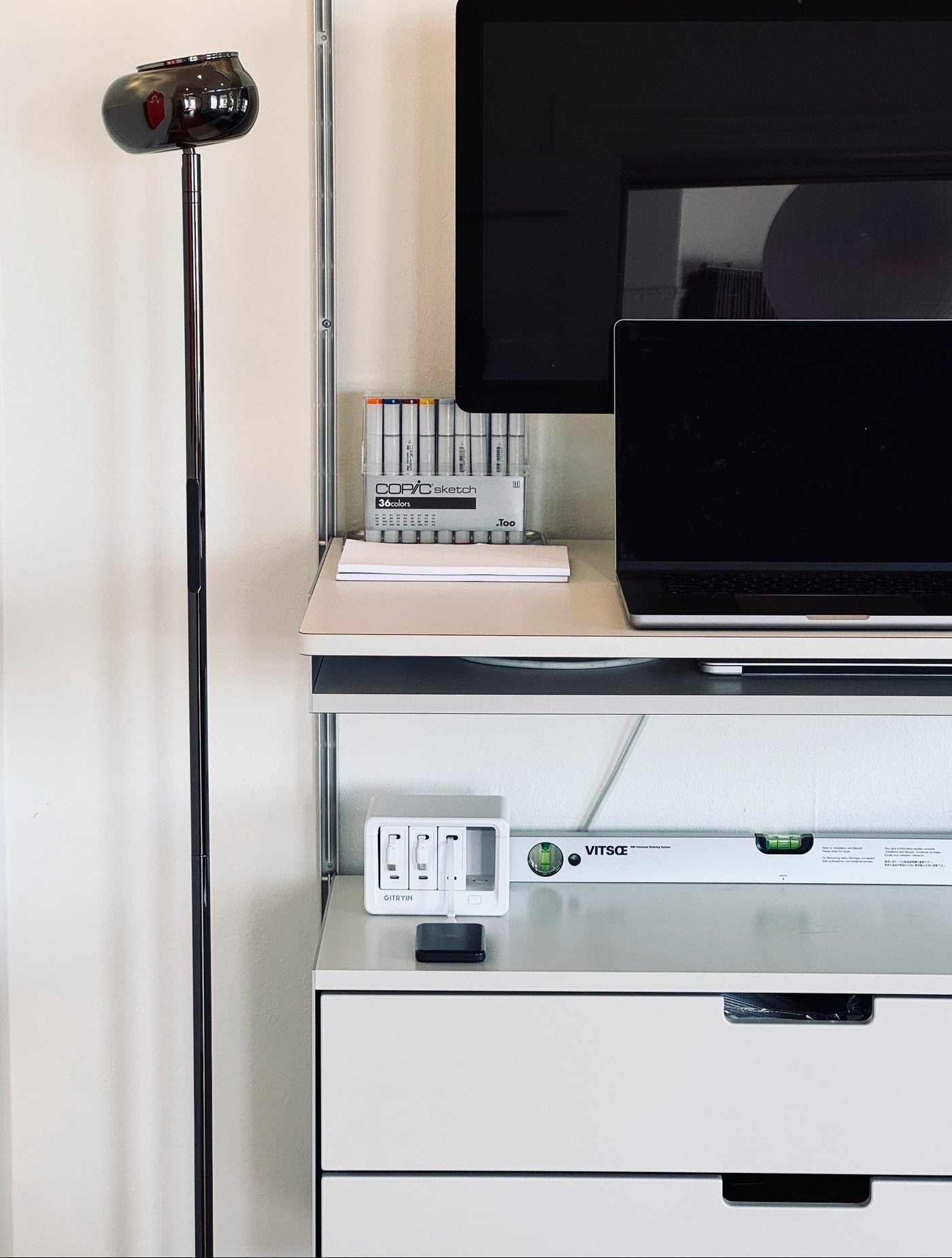
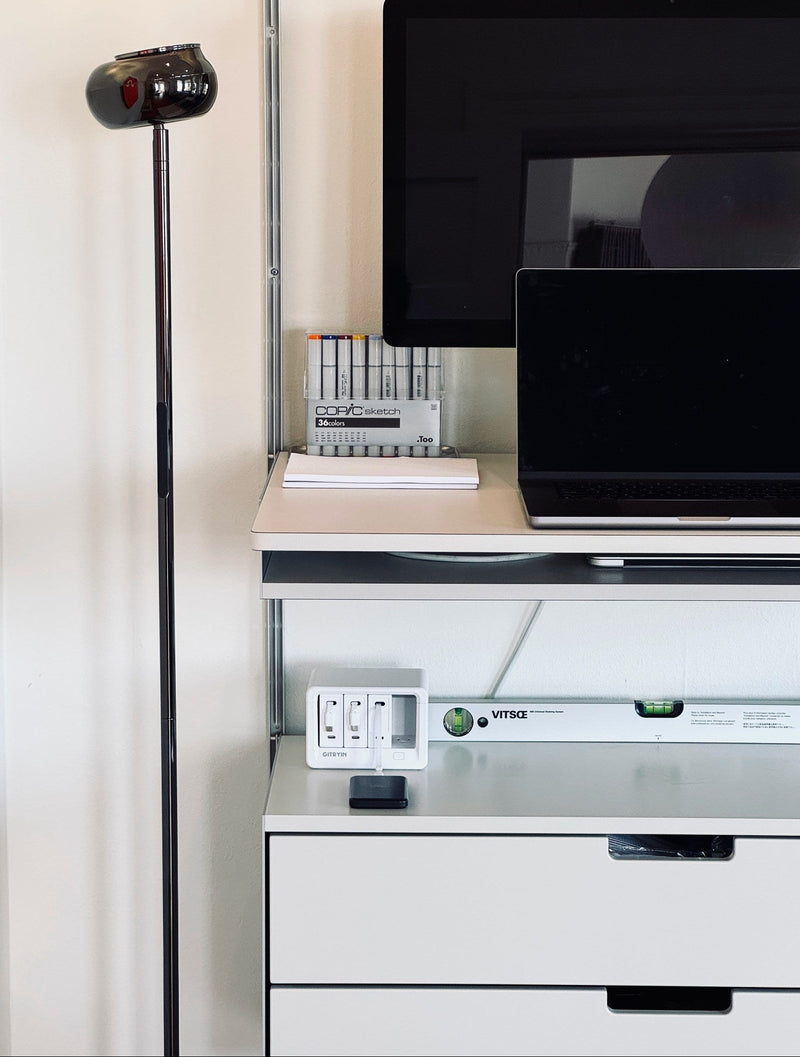
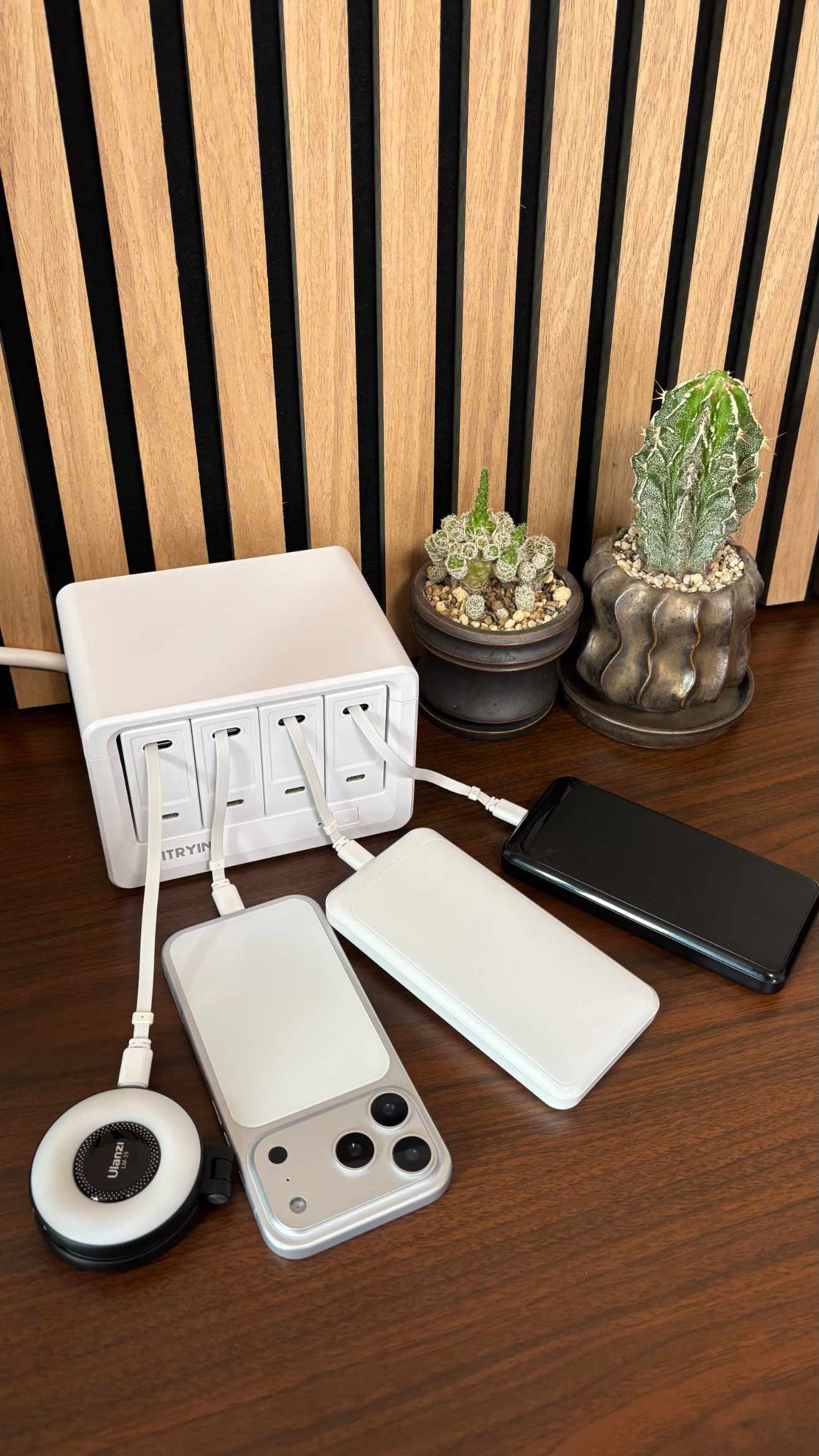
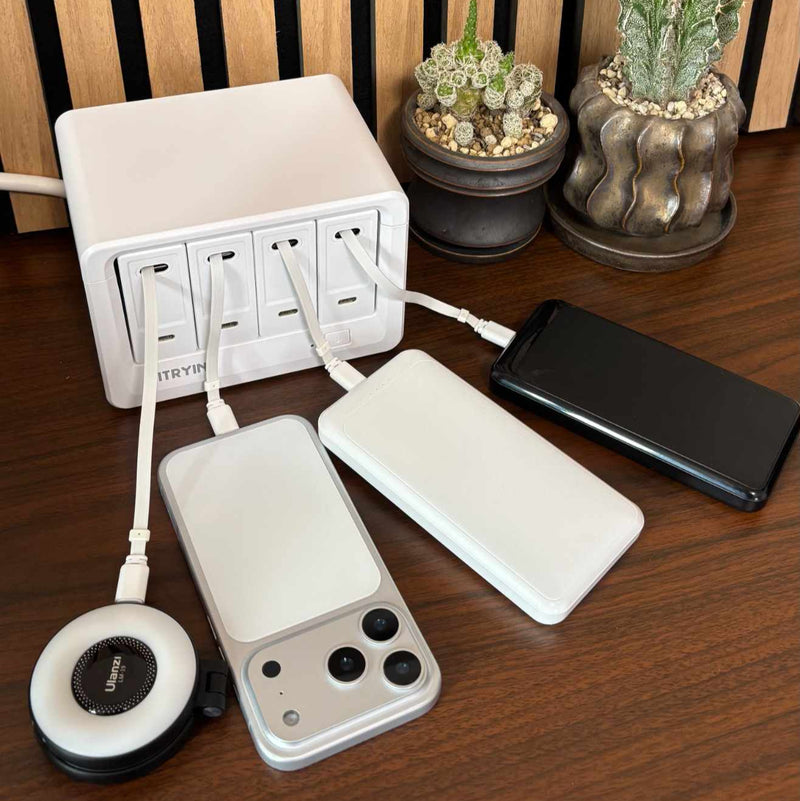
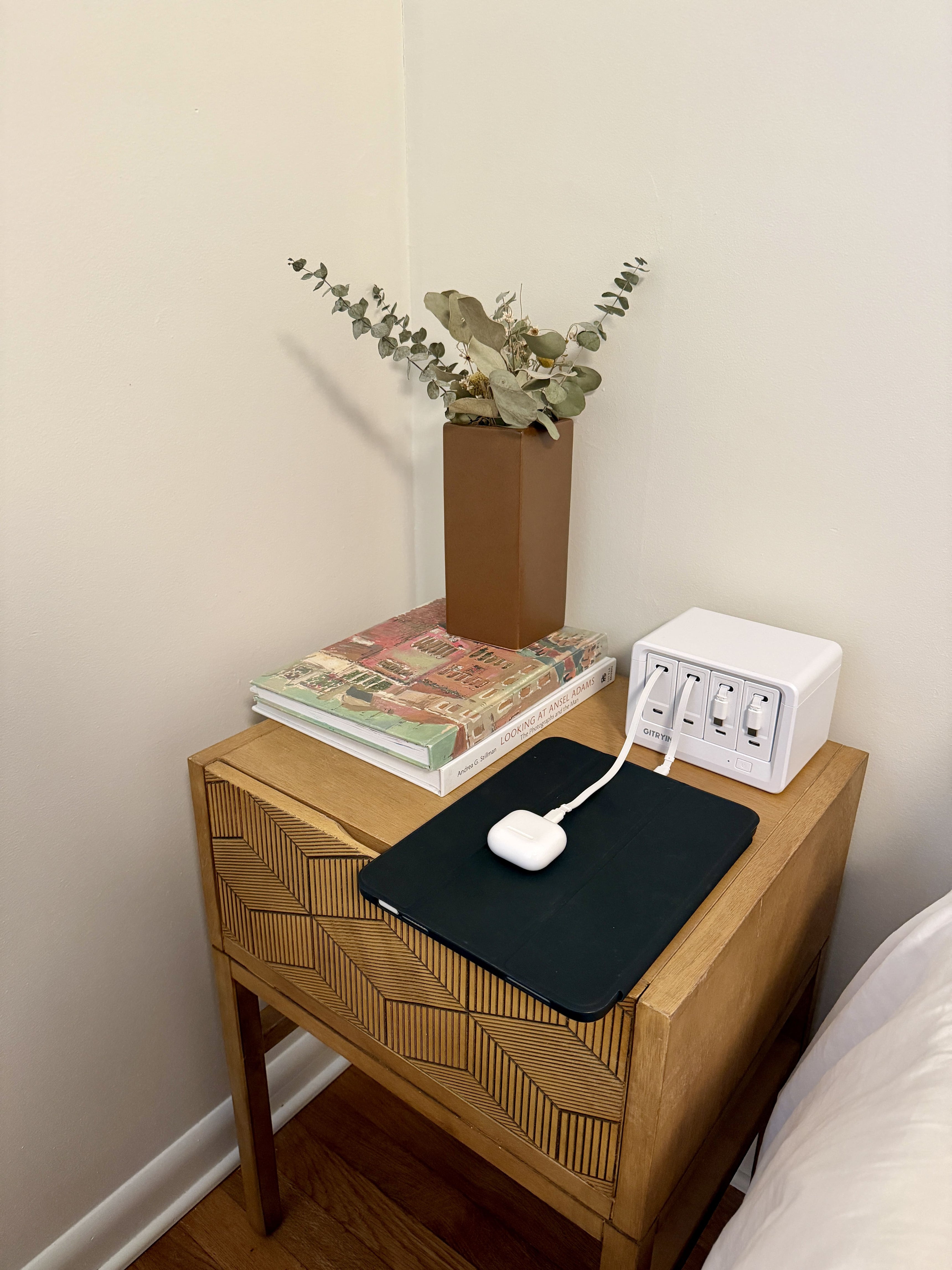
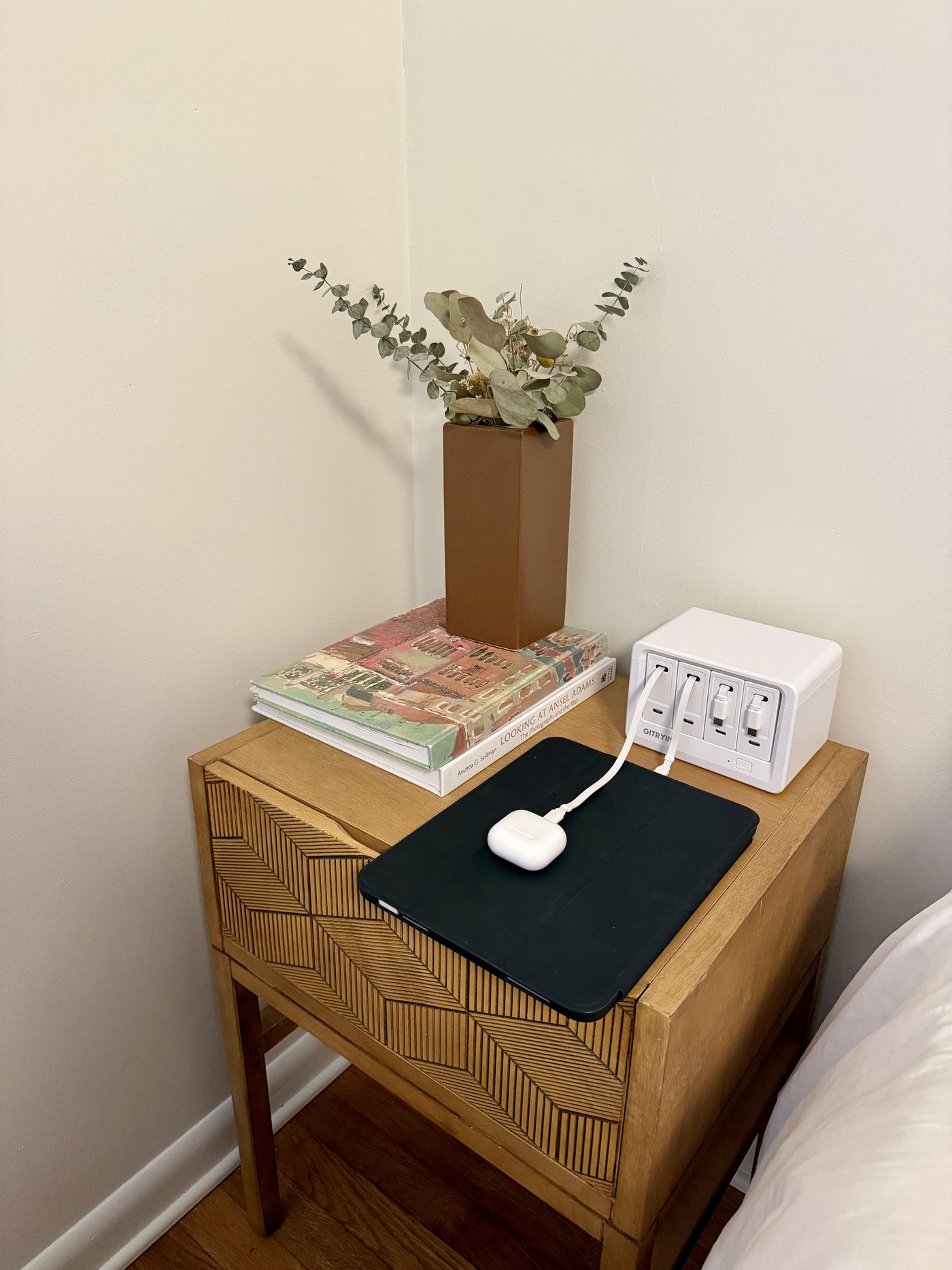
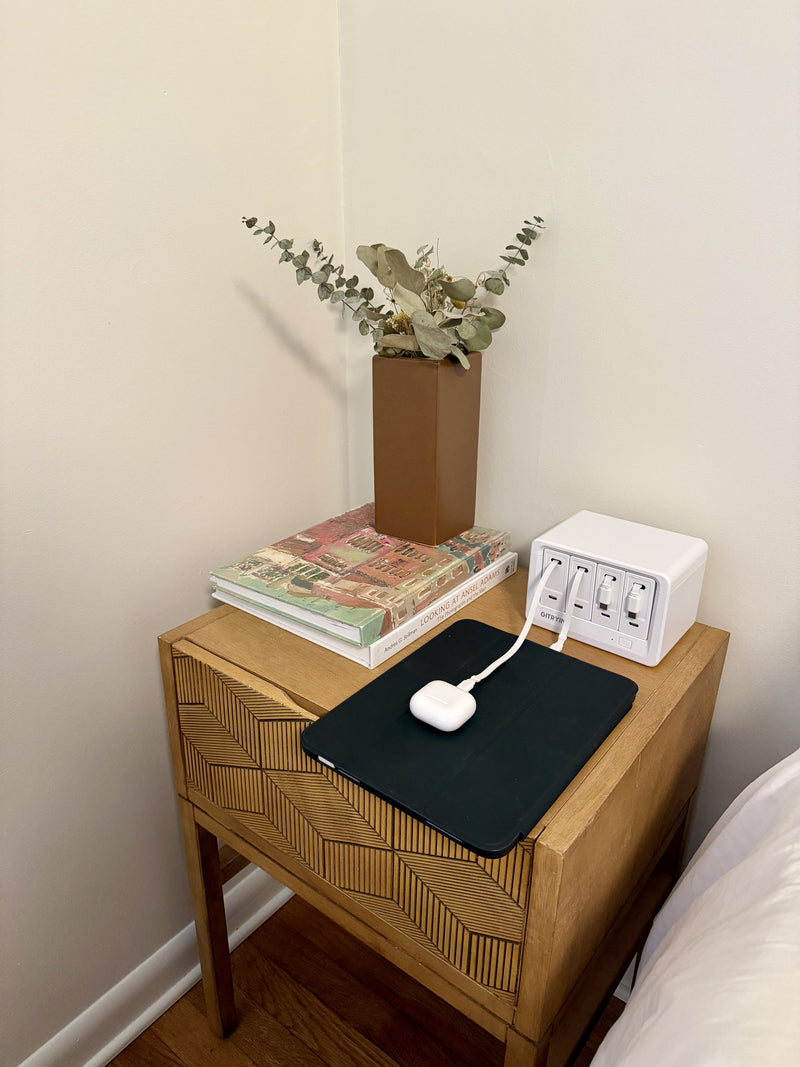
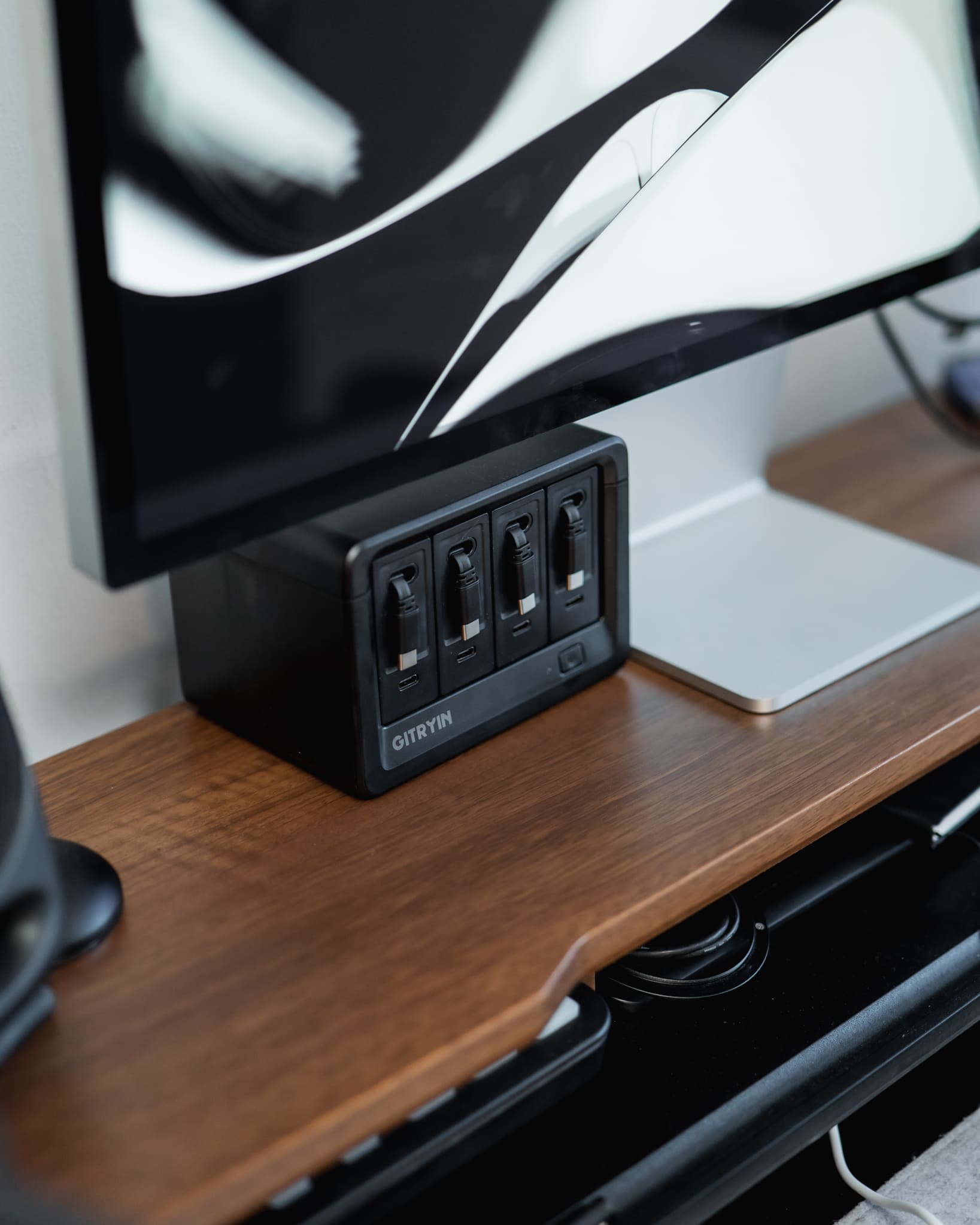
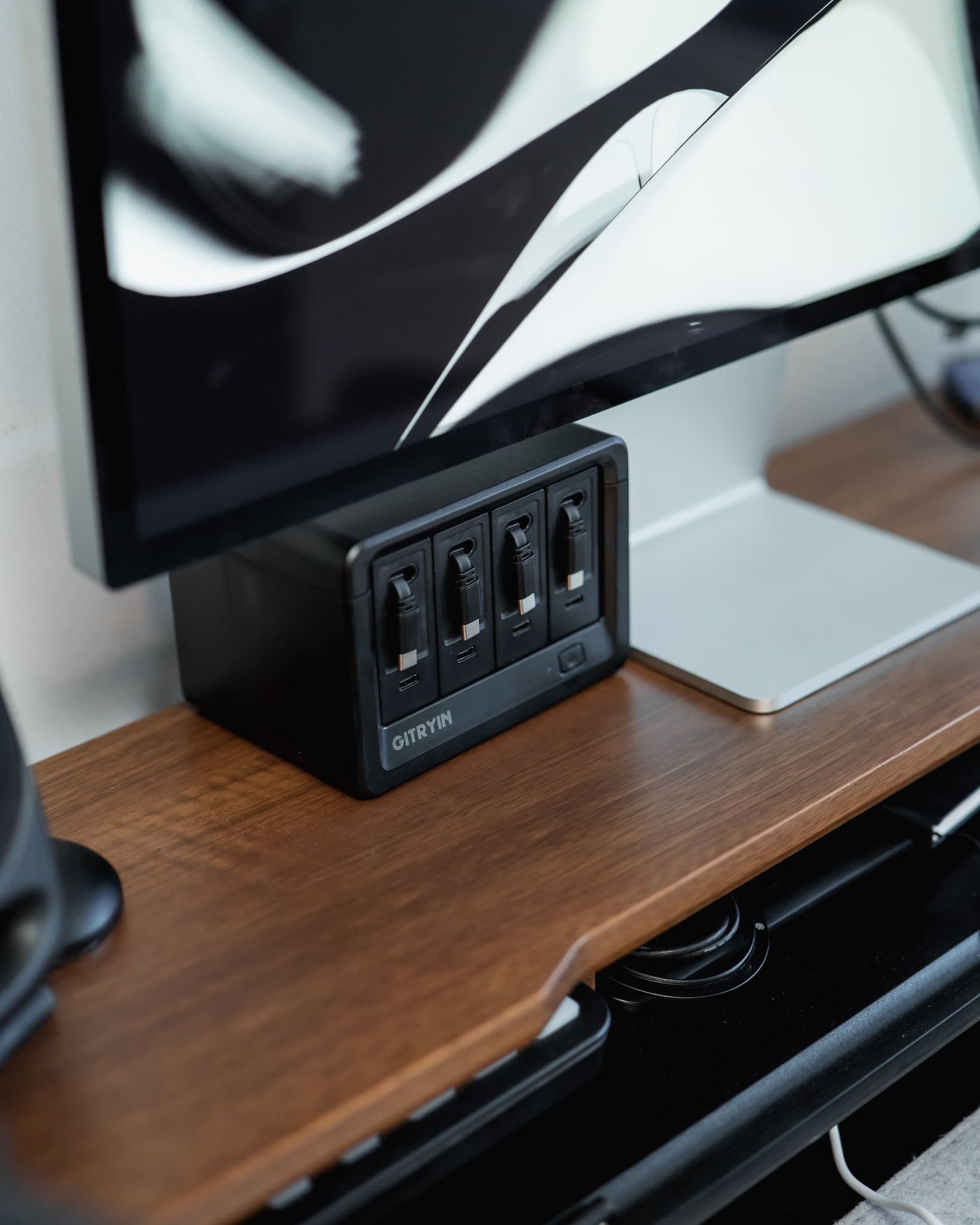
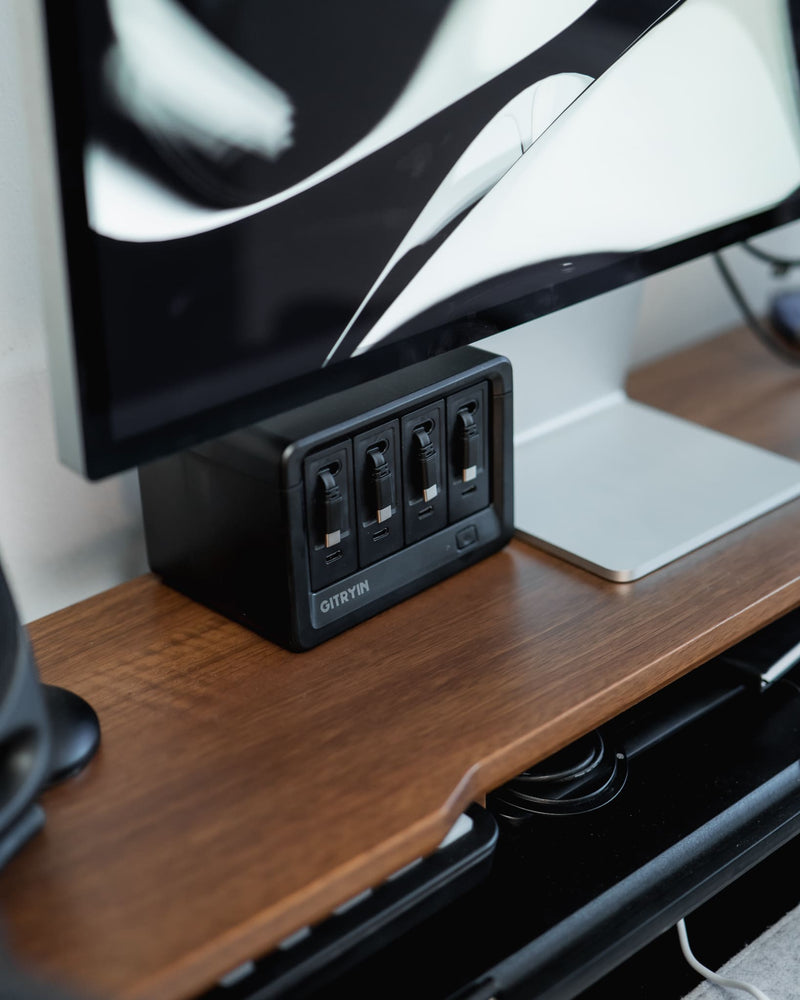
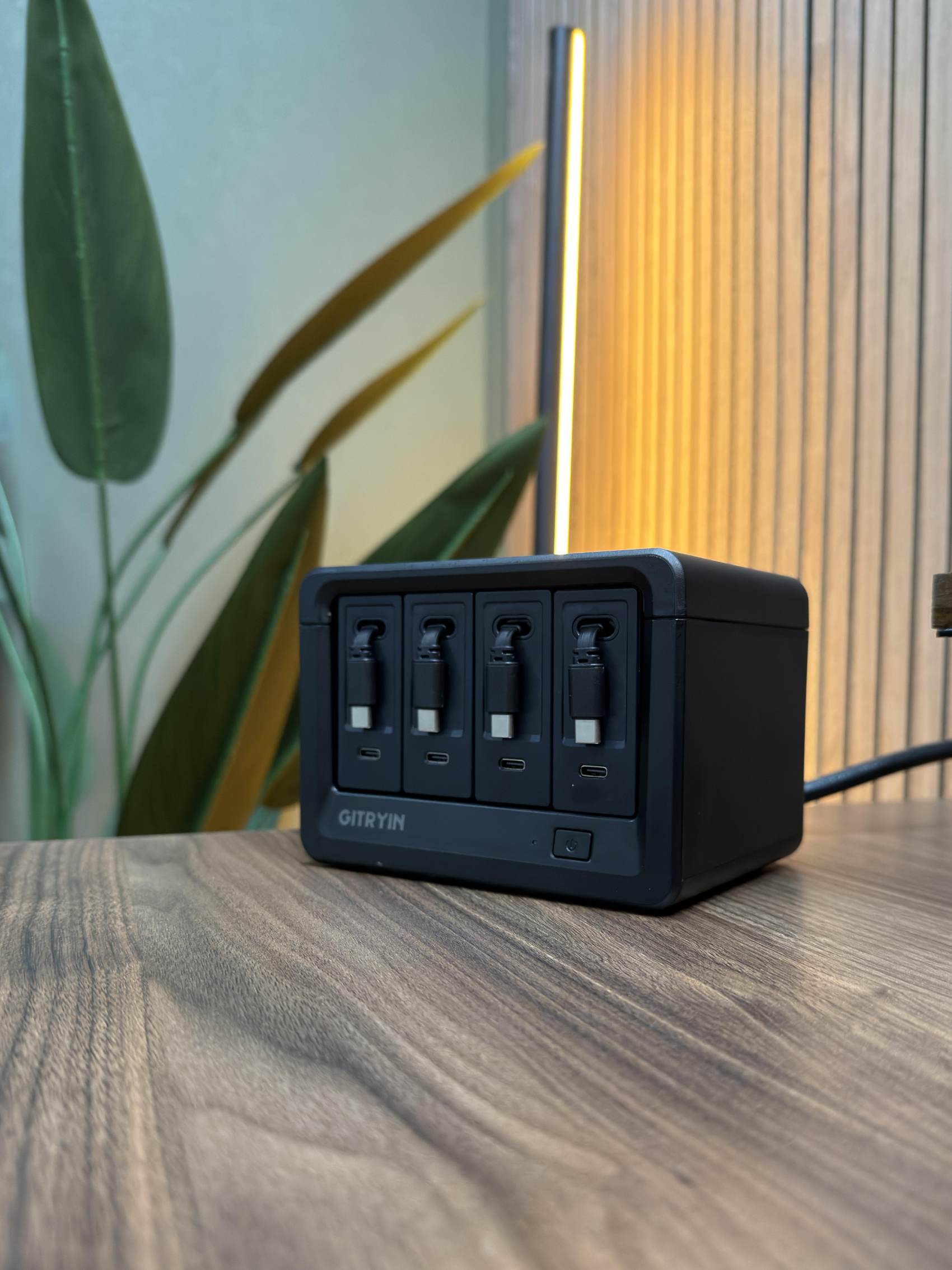
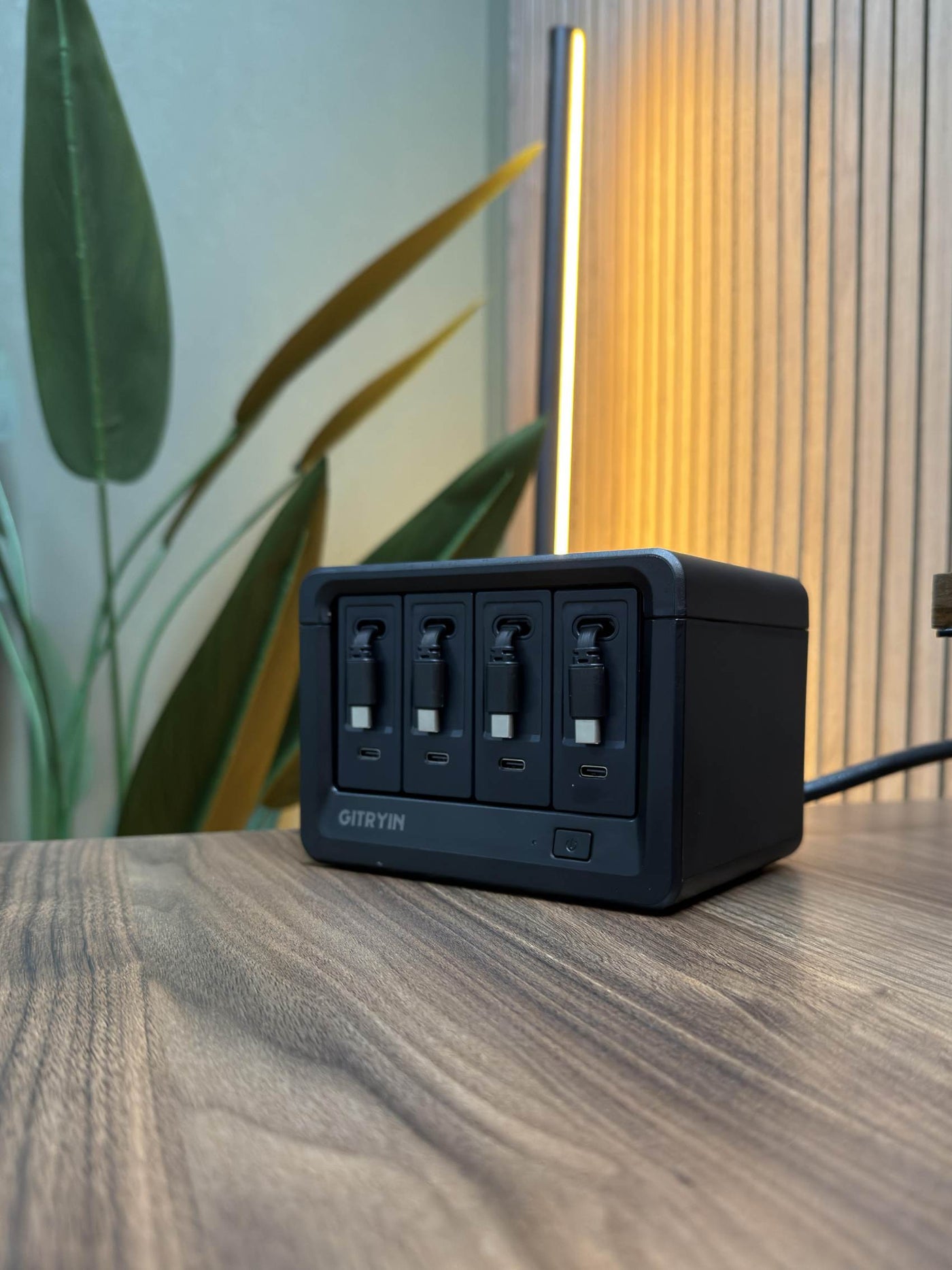
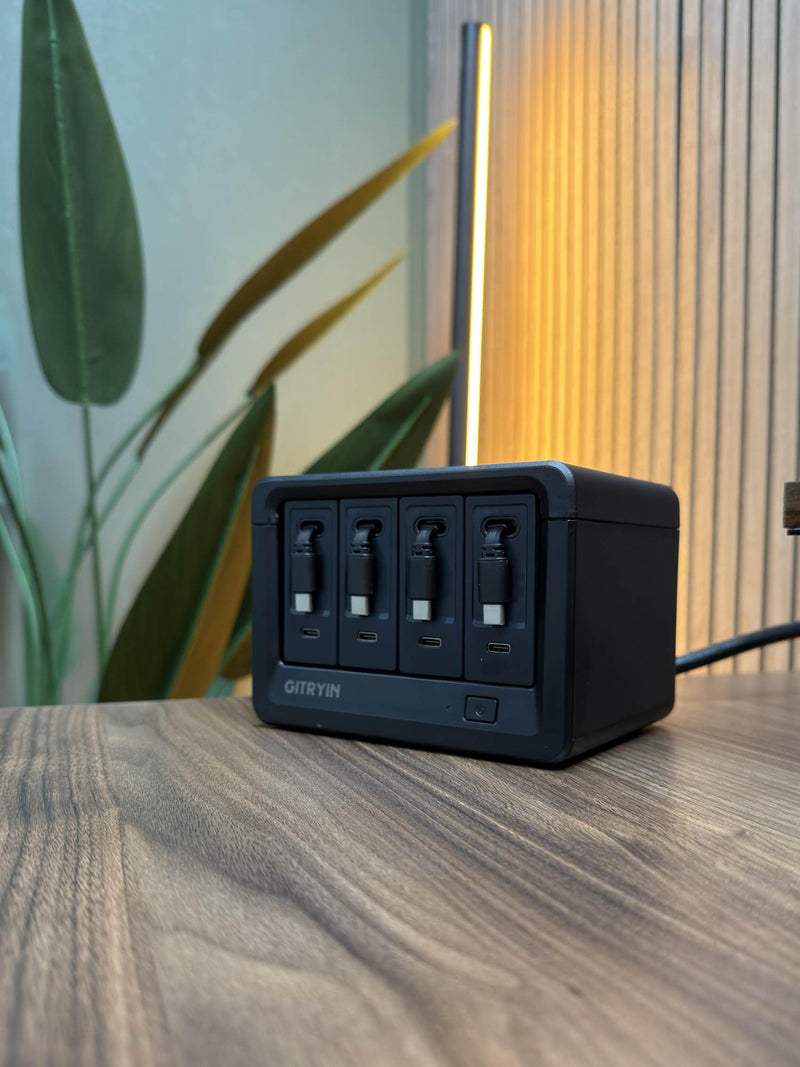
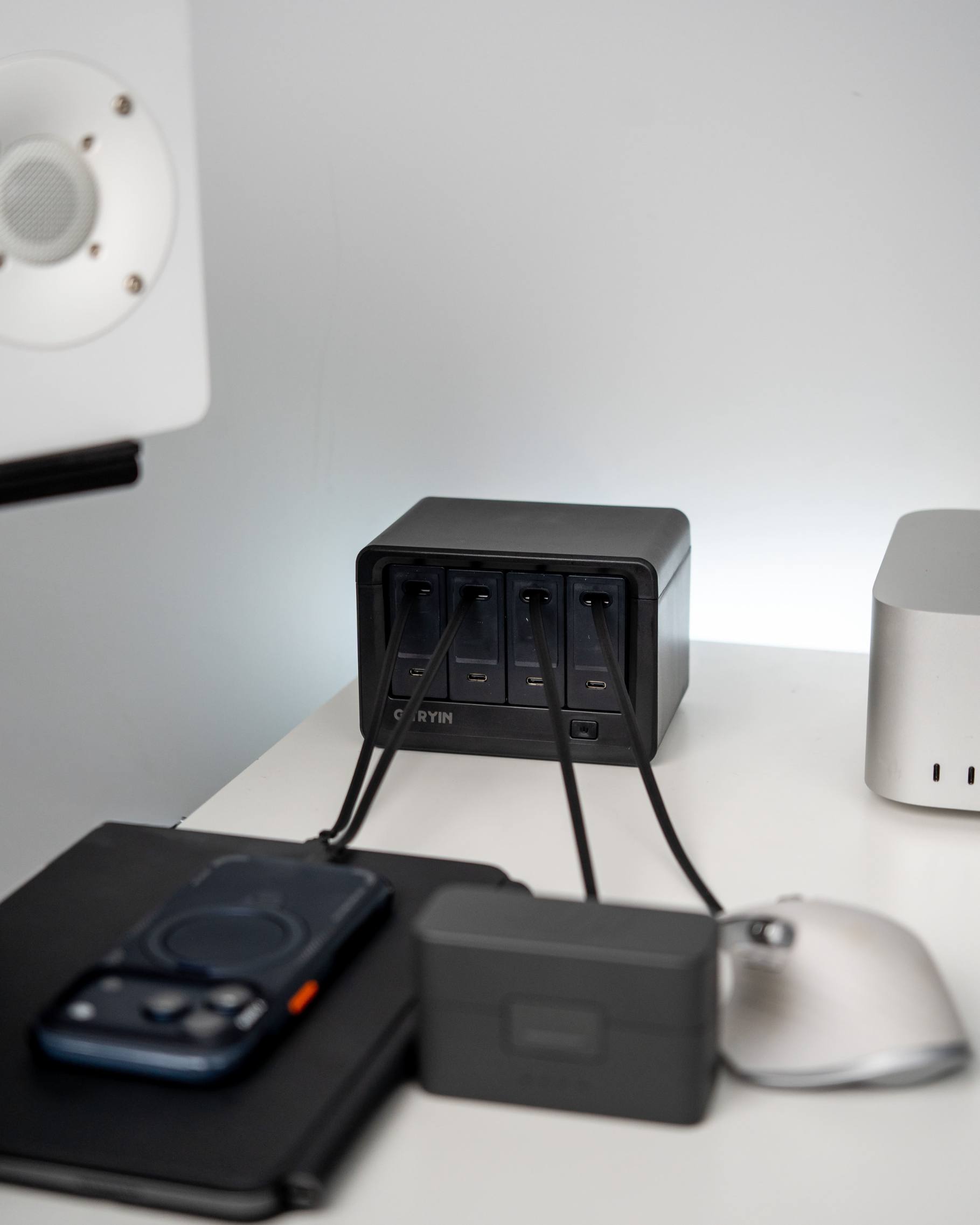
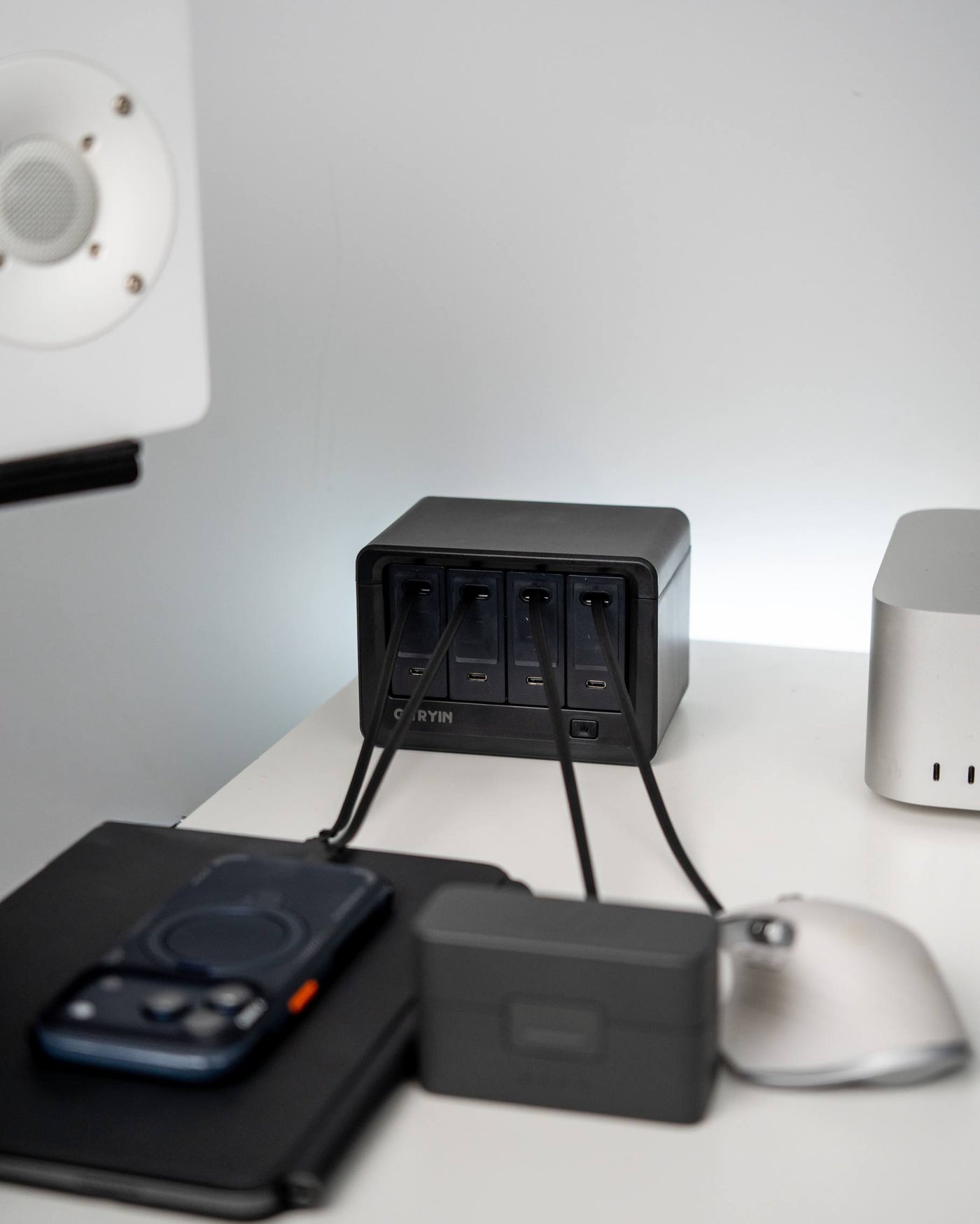
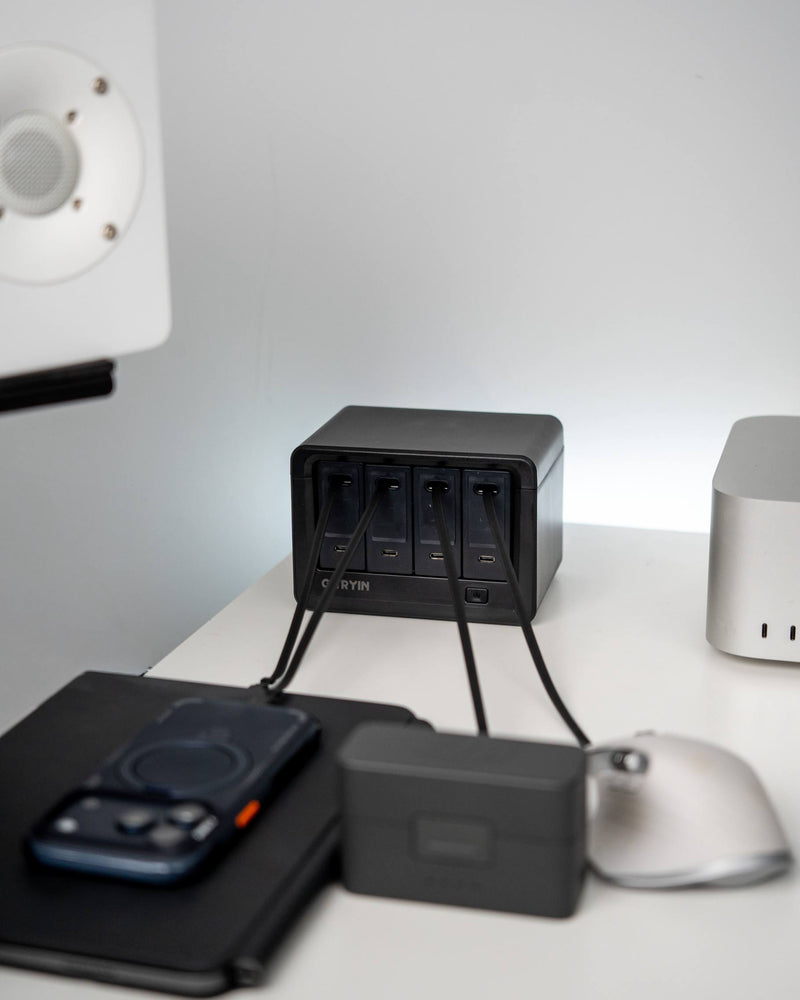
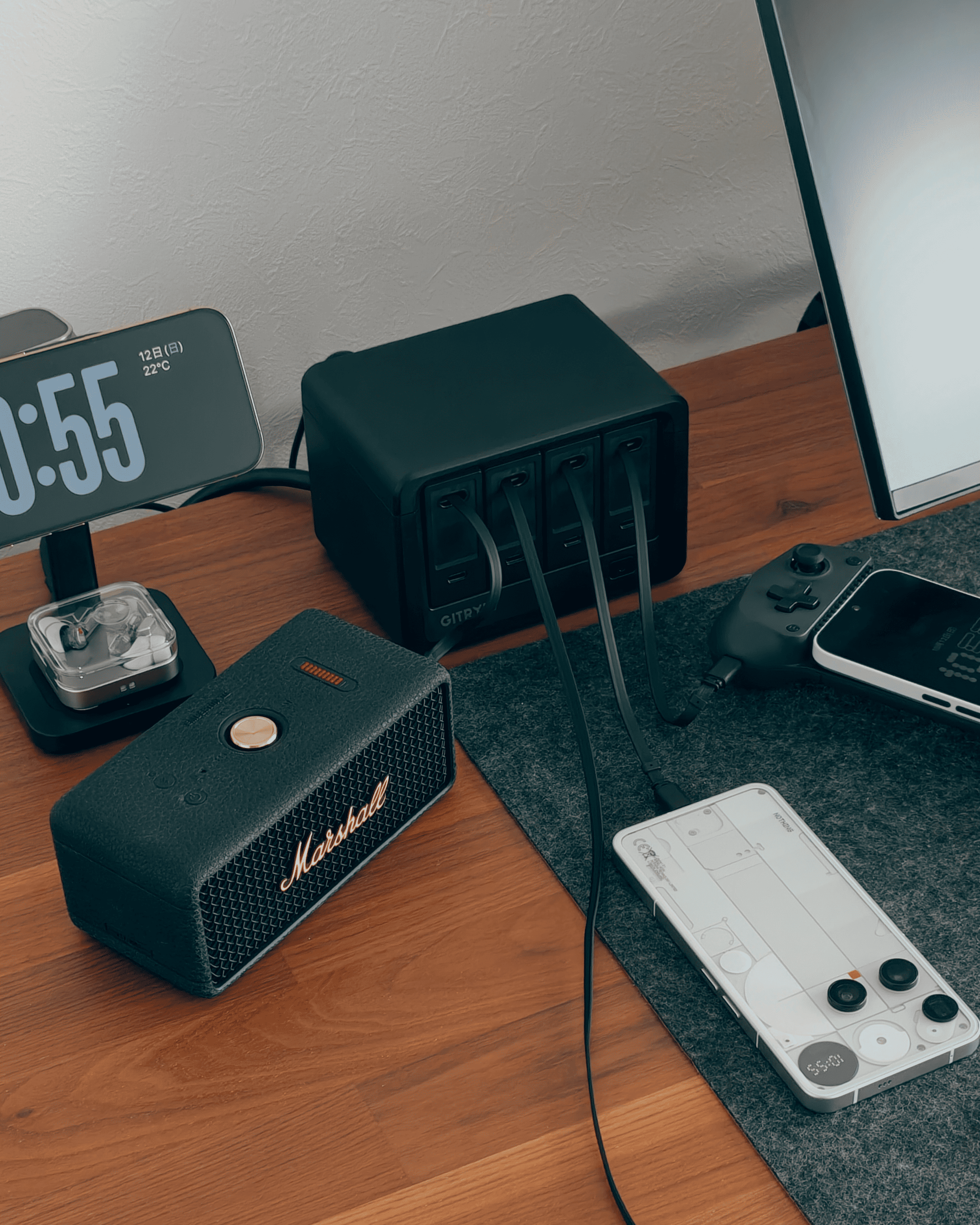
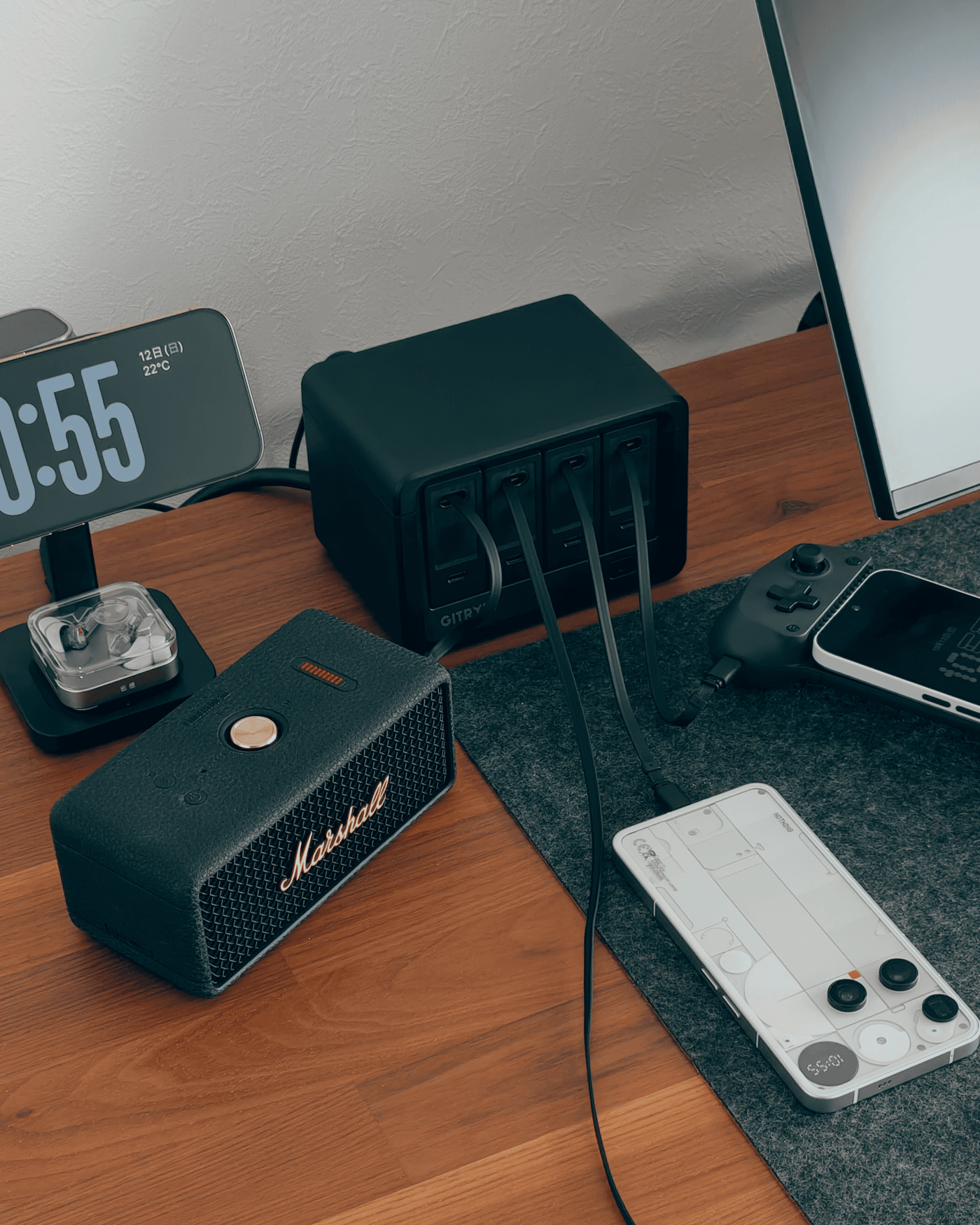
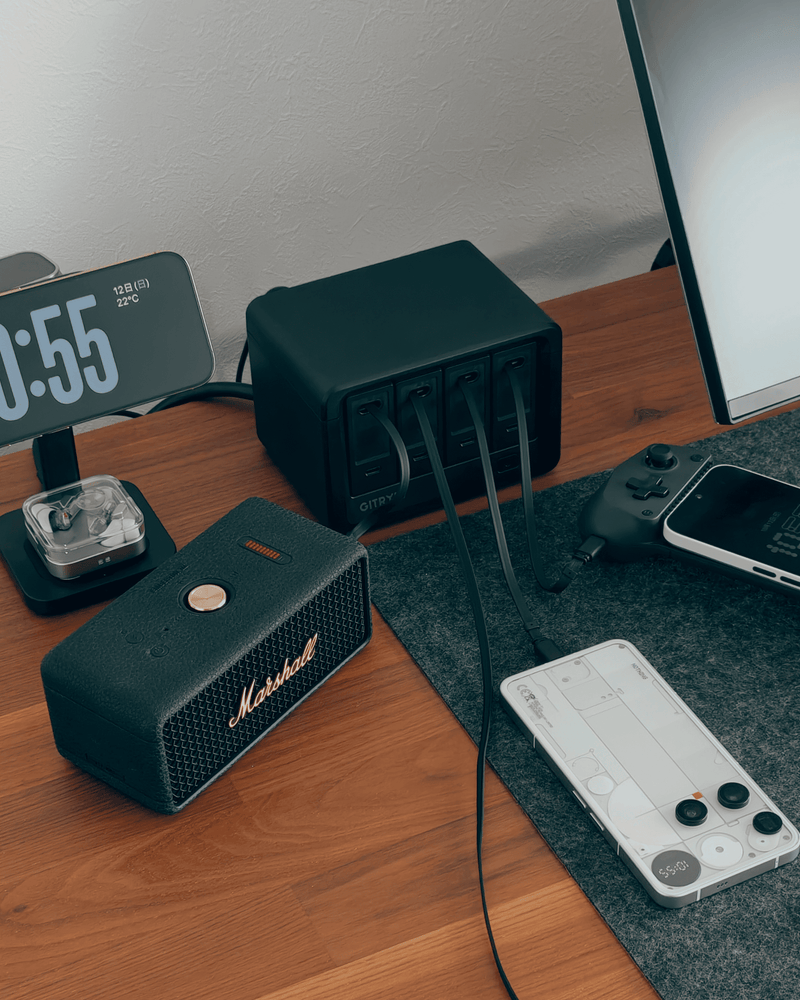
Trusted by Gadget Hackers

This has officially simplified my life.

@nest.place

Pretty cool charging station...

@yaptech1

You can even use them for travel.

@nvzion

Power station 12 in 1 and more❤️✨

@_shreddera_
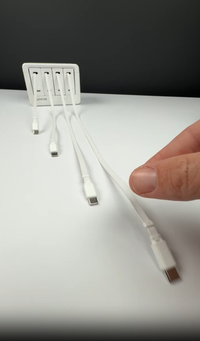
The coolest charging hub ⚡

@schmanke
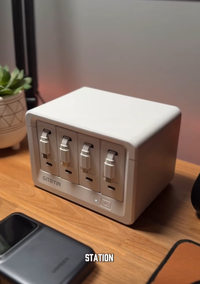
The perfect charging solution!

@make.one.studio
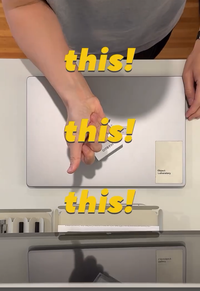
🔋🔋🔋Got this modular charging station/on-the-go charger from @gitryin , and it saved me on this business trip—effortless charging, zero mess. How did I not have this sooner?! 🔋🔋🔋

@analog_objects
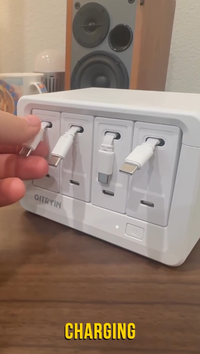
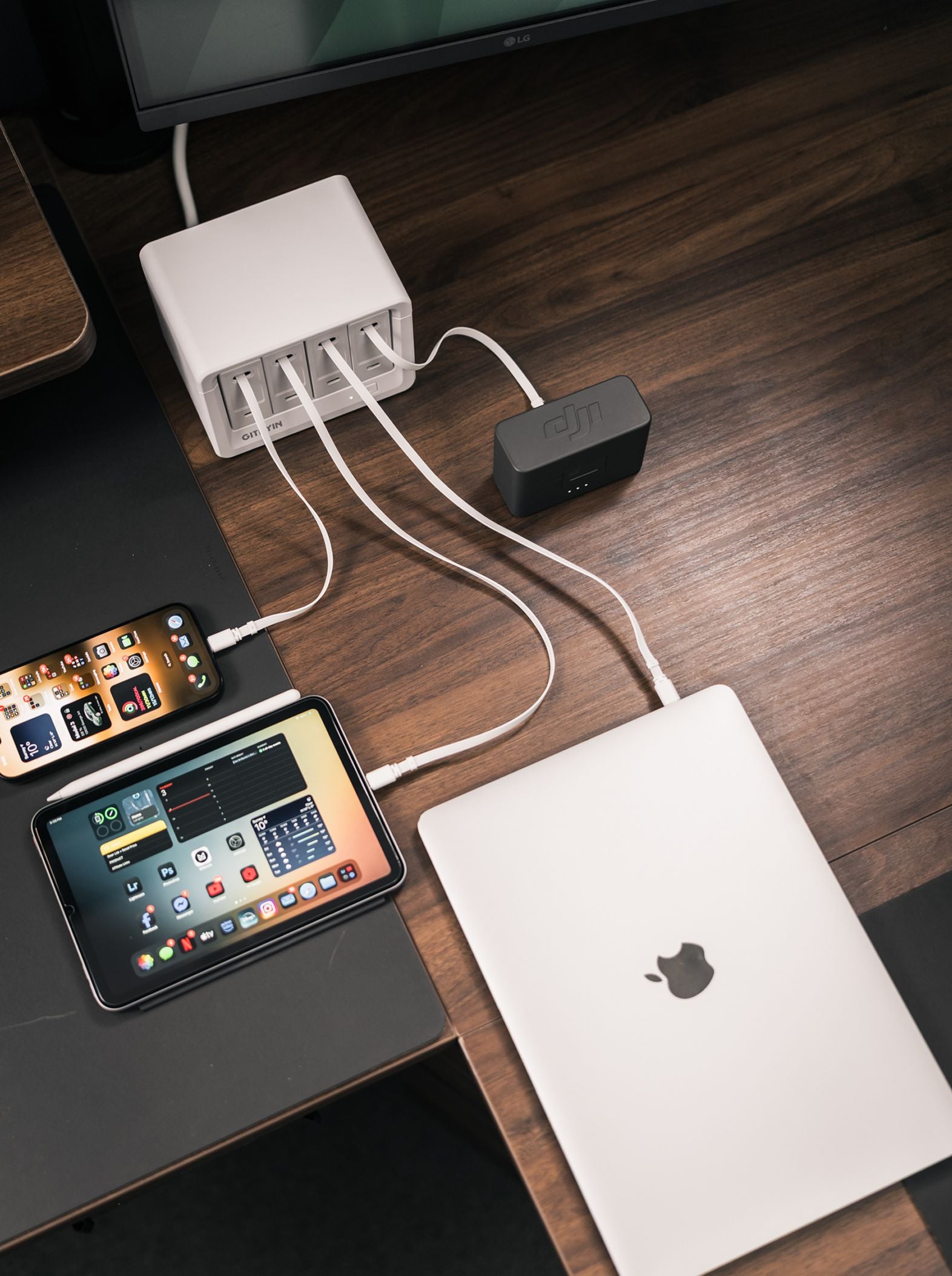
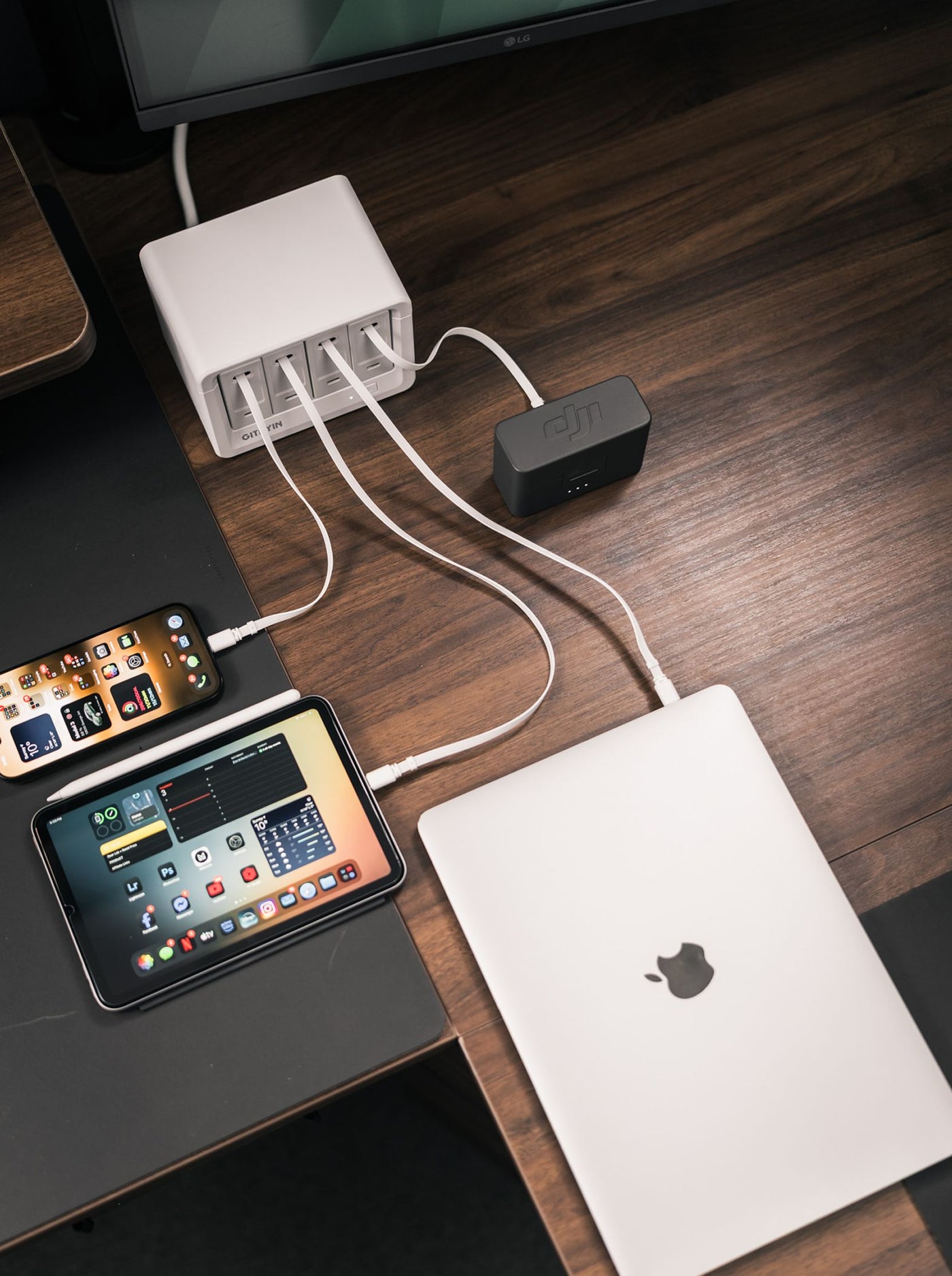
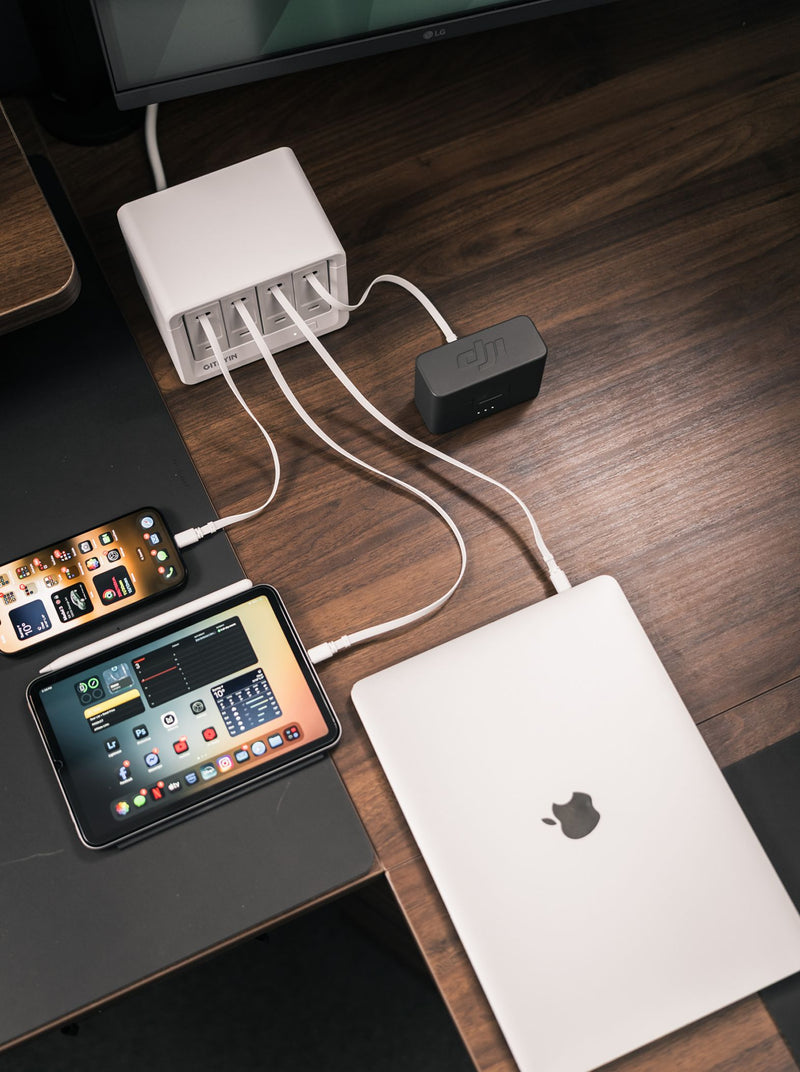
I got so tired of managing all random charging cables and making my desk a mess! So I started using @gitryin 12-in-1 charging station! What a game changer!

@momentum_productions
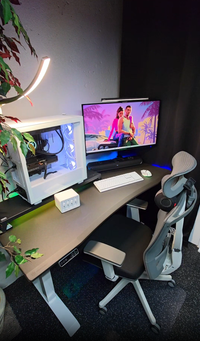
Secret Room in my Gaming BASEMENT! 🔥😮

@CamXPetra
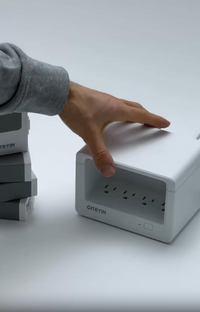
🔌 Gitryin 12-in-1 Desktop Charging Station – Power Everything, Anywhere! ⚡

@bohdandiachenko
FAQ
Gently pull the charging cable to the desired length. The cable will automatically lock in place. To retract, pull lightly and the cable will retract automatically.
The charging station is compatible with most USB-powered devices, but it's always a good idea to check the power requirements of your specific device.
The charging station supports charging multiple devices simultaneously, including smartphones, tablets, laptops, and other USB-powered devices.
The charging station may generate a faint noise during operation, which is normal. However, excessive or abnormal noise could indicate an issue.
Yes, the Gitryin Desktop Charging Station is designed for safety, with built-in protection against overheating, overcharging, and short circuits.
To clean, unplug the charging station and use a soft, dry cloth to wipe it. Avoid using liquid cleaners or immersing it in water.
The charging station supports standard charging. For fast charging, ensure that your device and cable are compatible with the charging speed offered by the station.
If the retractable cable is damaged, please avoid forcibly pulling or tugging the product. Please contact our customer service for assistance.